
UserTools for cPanel: A Free, Open-Source Plugin That Lets Users Fix Permissions and SSH Access Without Root
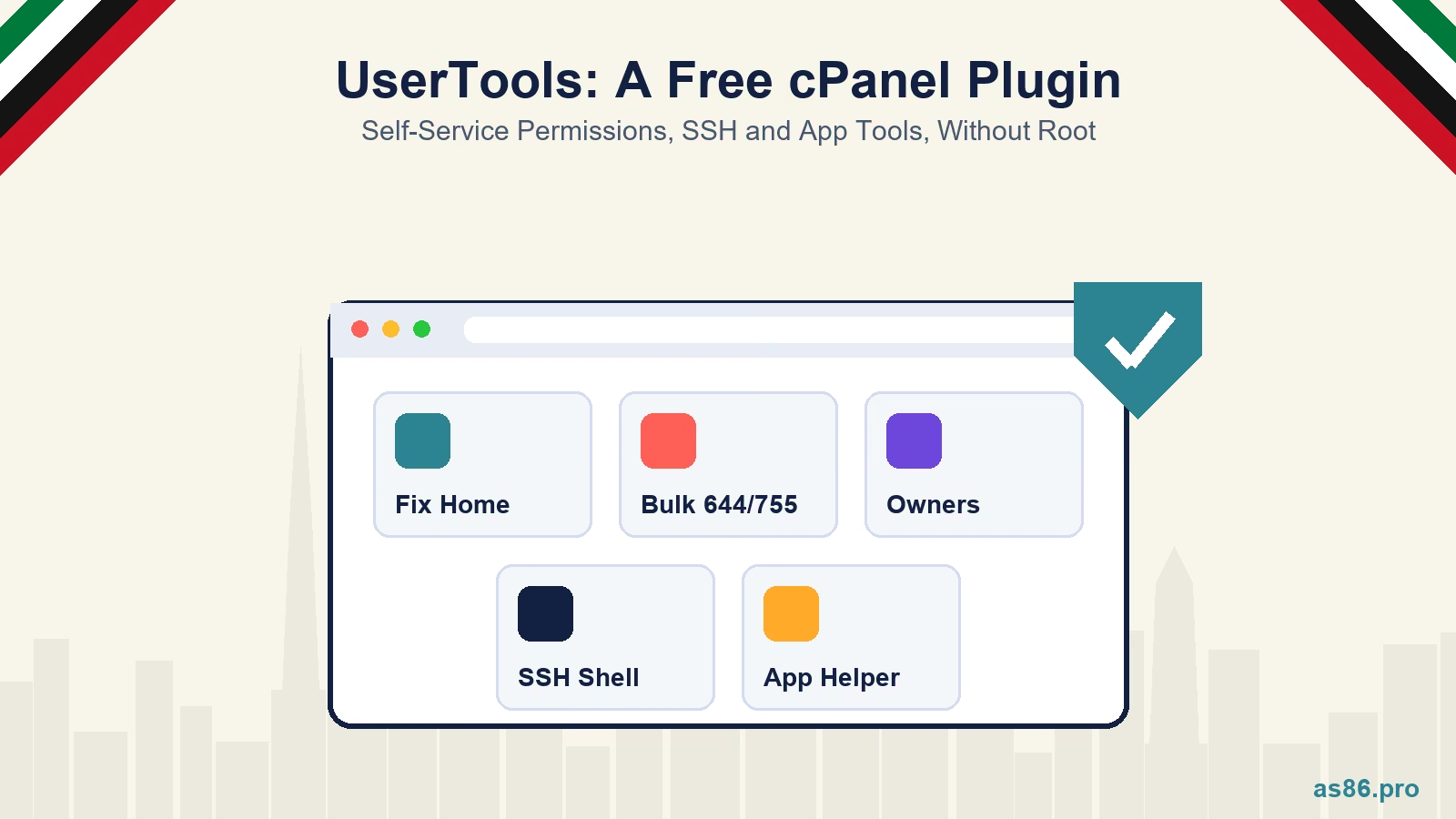
A lot of routine work on a cPanel server needs root for no good reason. A WordPress site starts returning 403 errors because a folder ended up with the wrong mode. A user wants SSH access switched off, or back on. A Laravel app needs its config cache rebuilt after a deploy. None of these is hard, but cPanel has no safe self-service button for them, so each one waits for whoever holds the root password.
I built UserTools for cPanel to hand the safe part of that work to the account owner. It is a free, open-source plugin (Apache 2.0 licence) that adds five self-service tools to cPanel, managed from one settings page in WHM. Version 0.1.2 is out now as a public beta on GitHub. This post covers what each tool does, the security rules it is built around, how to install and verify it, and exactly what I have and have not tested.
Who this is for: if you run your own cPanel and WHM server, or you manage one for clients, read on. If your website sits on a shared hosting plan, you cannot install server plugins yourself, but you can send this post to your host.
UserTools for cPanel: Self-Service Fixes Without Handing Out Root
Why I Built It
When a user needs something that only root can do, the usual options are both bad. Either the admin does it by hand every time, or the user gets more access than they should have. The first does not scale, and the second is how servers get compromised.
The design goal was easy to state and took most of the work: the user gets a button, never a privilege. Everything that touches files runs as the cPanel user, so the Linux kernel's own permission checks are the boundary. The two actions that genuinely need root (changing the account's shell, and pointing the main domain at an app's public folder) accept only an on/off style value. No privileged call in the plugin accepts a path or a file name.
The Five Tools
Fix Home Permissions. Checks the modes on the key folders in the account's home directory and resets them to the modes cPanel needs, with an undo. It does not walk the whole account. This is the fix for the "my site suddenly shows 403" problem after someone runs a permissions command copied from a forum.
Bulk Permissions. Sets files to 644 and folders to 755 across the home folder, public_html or a single document root. It always previews first, with counts and the list of paths that would change. The real run is a background job with progress, cancel and undo. It never follows symlinks and never leaves the account.
Ownership Report. A read-only list of files inside the account that the account does not own, grouped by owner, with a CSV download the user can send to the host. It deliberately cannot fix ownership. Changing owners needs root and file names together, which is exactly the combination the plugin refuses to accept. The README gives server admins a careful manual procedure instead.
Manage Shell. Lets the user switch SSH access off, set it to jailed, or set it to normal if the admin allows that. The admin decides which modes exist at all. Every change is rate limited, written to an audit log, read back from the system and rolled back if the result is not what was asked for. The page also warns the user when the server's SSH allow and deny rules would still block their login.
App Helper. Built for Laravel applications. It finds the apps in the account, runs maintenance commands (maintenance mode on and off, queue restart, config cache), installs Composer and npm dependencies as background jobs, shows and clears log files, adds the scheduler cron line, and checks whether the .env file can be downloaded from the web. It switches APP_ENV and APP_DEBUG for production with an exact undo, and it can point an addon domain or subdomain at the app's public folder with a safe .htaccess pair.
On the server side, a WHM page called UserTools Settings holds the policy: one switch per tool, the allowed shell modes, which hosting packages give new accounts an app folder layout, the update settings, and the last 200 lines of the audit log.
The Security Rules It Is Built Around
Off by default. Installing the plugin offers nothing to anyone. You enable each tool per hosting package in WHM's Feature Manager, so you can try it on one test package before anyone else sees it.
No root file operations. Every read and write inside a home directory runs as that cPanel user. There is no chown anywhere in the code.
Privileged calls take values, not paths. Each one passes three checks first: the server policy must allow it, the caller's package must include the feature, and the username comes from cPanel itself, never from the request.
Secrets stay on the server. App Helper reads .env as the user, and the only values that ever reach the browser are APP_ENV and APP_DEBUG. Full file contents are never returned.
Signed releases. Every release is built by GitHub Actions and signed with Sigstore cosign. That proves the download came from the repository's own release workflow at the tagged commit, not just that it arrived intact. The installer checks the signature automatically when cosign is installed, and the WHM "Update now" button refuses any update it cannot verify.
The plugin protects the server layer. If you are also hardening WordPress sites on the same server, my WordPress security checklist for Dubai businesses covers the application side.
How to Install It
You need root on a server running cPanel and WHM 11.134 LTS or newer with the Jupiter theme, plus Python 3.9 or newer (the permission engine is written in Python). Your users need nothing extra.
1. Run the installer as root. This one line downloads the pinned release, verifies it and installs it:
curl -fsSL https://github.com/amirs86/usertools-for-cpanel/releases/download/v0.1.2/bootstrap-install.sh | bash -s -- \
    --repo amirs86/usertools-for-cpanel --version v0.1.2 --require-signature --yes
With --require-signature the script refuses to install anything it cannot verify, so install cosign first. Without that flag it falls back to a SHA-256 checksum and prints a warning. If you prefer to download the tarball and look before you install, ./install.sh --dry-run lists every change without making any.
2. Enable it for one package. In WHM, open Packages, then Feature Manager, and tick the five usertools features on a test package only.
3. Set the policy. In WHM, open Plugins, then UserTools Settings. I would leave the normal shell mode off unless you have a specific reason to offer it.
4. Test on a throwaway account. Create an account on that package, log in to its cPanel and try each tool under Security. Roll it out to real packages only after that.
Updates are opt-in. Turn on the update check and the settings page tells you when a new release exists. The Update now button downloads, verifies and installs it, and keeps the previous version for a one-command rollback. Automatic updates also exist, limited to patch or minor releases, and they are off by default.
What I Tested, and What I Did Not
| Setup | Status |
|---|---|
| cPanel 11.138 on AlmaLinux 9 | Tested |
| cPanel 11.134 LTS on AlmaLinux 10 with CloudLinux CageFS | Tested |
| Reseller-owned packages and the account-creation hook | Tested on 11.134 LTS |
| Signed update, repeat run and rollback | Tested on 11.134 LTS |
| Meridian theme | Not supported yet |
Meridian needs a plain explanation. cPanel's newer opt-in theme does not yet have published developer documentation for third-party plugins, and when I checked an account switched to Meridian, the UserTools pages did not load at all. Accounts on Jupiter work normally. I will add Meridian pages once cPanel documents how plugins should integrate with it, rather than guess from the theme's internals.
On CloudLinux, the tools run inside CageFS like everything else the user runs. If Composer or Node.js exists on the host but is not visible inside the cage, the WHM page says so and shows the exact CageFS entry to add, instead of letting a deploy fail with a confusing error.
This is a beta. Every change runs through a large automated test suite in Perl, Python and shell, but two test servers are not every server. If something breaks on yours, open an issue on GitHub with your cPanel version and what you saw.
Who Should Use It, and Who Should Not
A good fit: agencies and businesses that run their own VPS with cPanel for several sites, hosts who want fewer routine tickets, and developers deploying Laravel apps on cPanel who are tired of asking for SSH access to clear a cache.
Not a fit: shared hosting customers (you cannot install server plugins), servers without cPanel, and anyone who wants users to have root-level control. The plugin is built to refuse that.
If you are still deciding whether you need a managed server at all, my post on what managed WordPress hosting actually means in Dubai is a better place to start.
What to Do This Week
- List which of your hosting packages actually need SSH, and decide which shell modes you would allow.
- Download the release on a low-risk server and run
./install.sh --dry-runto read what it plans to change. - Install it, enable it for one test package, and try every tool on a throwaway account.
- Install cosign so releases can be verified, then turn on the update check.
- While you are in WHM, run through my uptime and speed monitoring checklist.
Frequently Asked Questions
Next Step
The plugin is free, and you are welcome to install it yourself from GitHub. If you would rather have someone set it up, harden the server around it and keep it updated, that is part of my web hosting and server management service. Send me your server setup and the requests your users keep raising. You can also reach me on WhatsApp.
Related reading:

Written by Amir Sibaee
Google Ads & Media Buying Specialist · SEO/SEM · Marketing Automation ·...
More about Amir →Related Reading
-
 WordPress Security for Dubai Businesses: A Practical 2026 Checklist
-
 How to Choose a WordPress Developer in Dubai: The 2026 Buyer's Guide for UAE Businesses
-
 Managed WordPress Hosting in Dubai: What 'Managed' Actually Means in 2026
-
 Should You Let an AI Agent Run Your Ad Campaigns? A Dubai Marketer's Honest Take
Want this done for your business? See my Web Design services in Dubai.
Latest Posts
-
 OpenAI Ads Are Now Open in the UAE: What ChatGPT Advertising Costs, Who Qualifies and How to Start
-
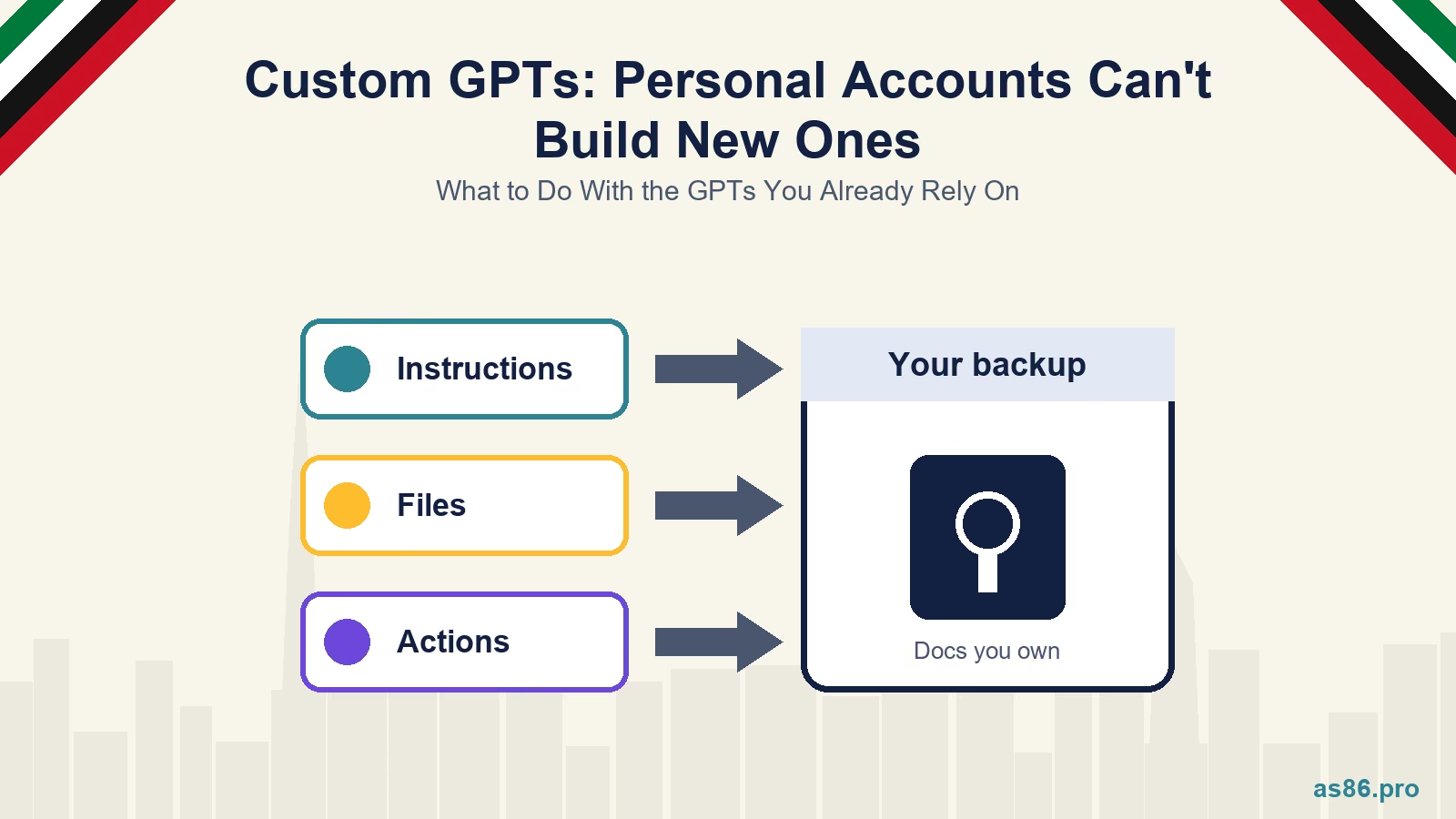 ChatGPT Custom GPTs: Personal Accounts Can't Build New Ones. What to Do With the GPTs You Already Rely On
-
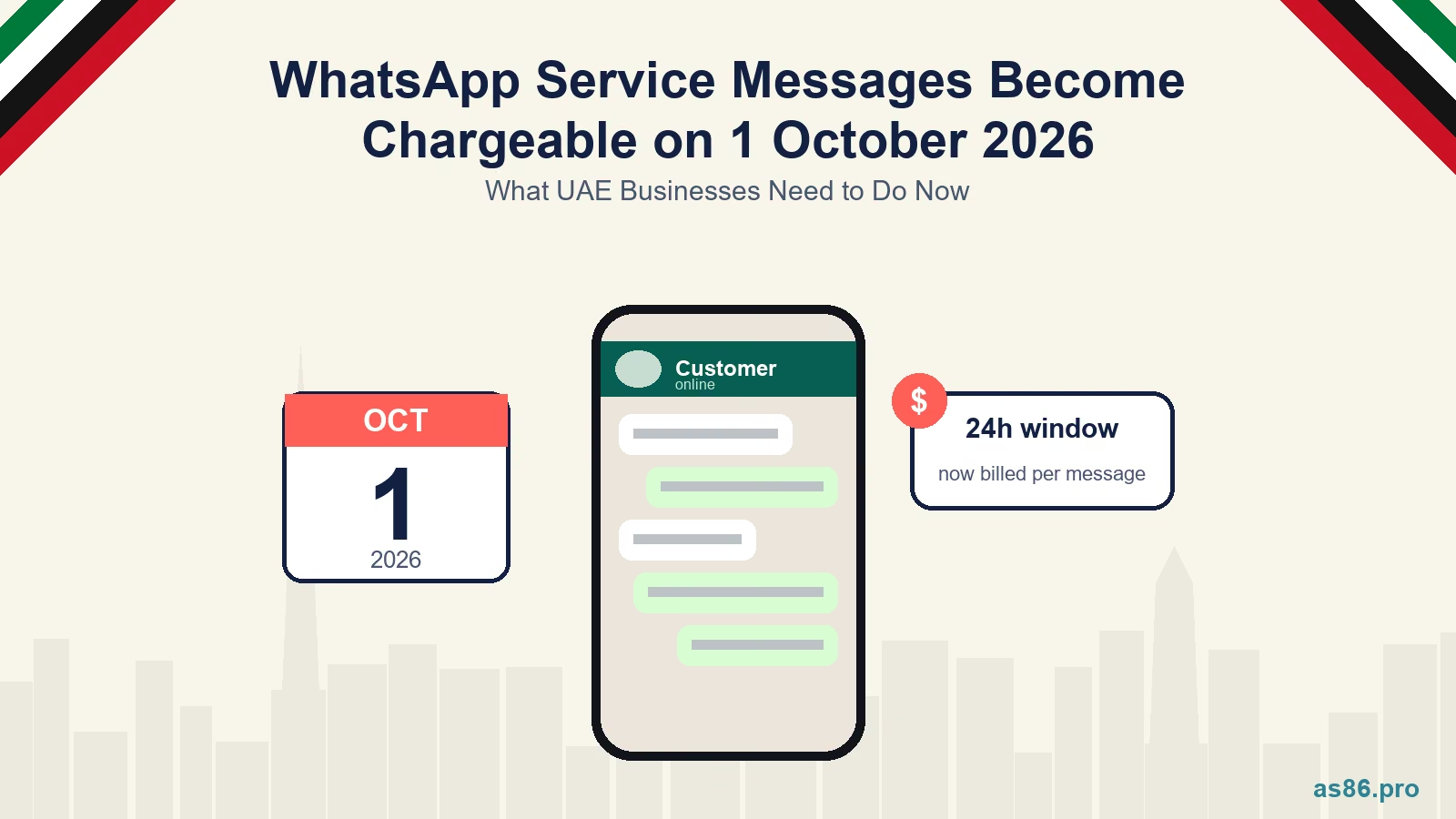 WhatsApp Service Messages Become Chargeable on 1 October 2026: What UAE Businesses Need to Do Now
-
 Canva AI Explained: A Practical Guide for Dubai Small Business Owners Who Aren't Designers
-
 TikTok Shop vs Instagram Shopping in the UAE: One Is Not Open Yet, So Where Should You Sell First?
Get a Growth Plan, Not Just a Quote
Seeking expert digital marketing, web design, or graphic design in the UAE? Let's discuss your project and deliver tailored solutions for measurable growth.
Book Free Consultation