
WordPress Security for Dubai Businesses: A Practical 2026 Checklist

Updated 20 September 2026. I have rewritten this checklist and checked its numbers. Two statistics were real and are now sourced. I removed several figures I could not trace to a source, including a UAE malware percentage, an "attack every 22 minutes" line and a table of average breach costs. I also corrected a vulnerability example, which was a plugin and not a theme.
Most WordPress sites are not hacked through WordPress itself. They are hacked through a plugin that nobody updated. Patchstack's State of WordPress Security report for 2025 counted 7,966 new vulnerabilities in the WordPress ecosystem in 2024, a 34% increase on the year before, and reported that plugins accounted for 96% of them. A business site with fifteen plugins and no update routine is exposed in exactly the way those numbers describe.
The checklist below covers what a Dubai business should have in place. It assumes you are not a security specialist and want the short list of things that matter.
WordPress Security for Dubai Businesses: A Practical Checklist
Start With Plugins and Updates
An example of how this goes wrong: CVE-2025-5947 was an authentication bypass in the Service Finder Bookings plugin, rated 9.8 out of 10 for severity. It let an unauthenticated visitor log in as any user, including an administrator. The developer fixed it in version 6.1 in July 2025, and public advisories report attackers exploiting it from the start of August. Sites that had not updated were open to a full takeover. I covered a more recent case in the August 2026 WordPress vulnerabilities post.
The routine that prevents most of this:
- Turn on automatic updates for minor WordPress core releases.
- Review and apply plugin and theme updates weekly, and apply security fixes within a day or two of release.
- Test updates on a staging copy first if the site takes orders or bookings.
- Schedule updates for your quietest hours. Check your analytics for when that is, because it differs from site to site.
- Follow a vulnerability feed such as Wordfence's or Patchstack's so you hear about serious plugin flaws early.
Manage Plugins and Themes Like Assets
Every plugin is code that someone has to maintain. Once a month, go through the list and ask whether you still need each one, whether it has been updated recently and whether its developer is reputable. Delete unused plugins rather than deactivating them, because a deactivated plugin can still contain a vulnerable file. Test a new plugin for compatibility before installing it on the live site, and never use nulled or pirated themes and plugins, which are a common way to ship malware. Keep child themes updated along with their parents.
Secure Logins
- Use passwords of at least 16 characters, unique for every account and service, kept in a password manager.
- Turn on two-factor authentication for every administrator and editor. Wordfence Security includes it, and authenticator-app plugins do too. Store the backup codes offline.
- Give each person their own account with the lowest role that lets them do their job.
- Change a password after a staff member leaves or whenever you suspect it has leaked. A fixed schedule for changing every password matters less than acting on real events.
- Limit login attempts and block repeated failures automatically. Brute-force attempts on the login page are constant background noise on any public site.
Choose Hosting That Does Part of the Job
Your host is the foundation. What to ask for:
- Free SSL with automatic renewal.
- Daily automated backups stored away from the server that hosts the site.
- A web application firewall and DDoS protection.
- Malware scanning, and a clear answer on who cleans the site if it is infected.
- Server hardening and monitoring, with support that answers in your time zone.
UAE-based hosting can help with data residency and speed for local visitors. International hosts may offer stronger tooling and redundancy. The right choice depends on your compliance needs and budget, and many businesses combine both, for example a local host with backups stored abroad. My post on what managed WordPress hosting should include goes through the questions in more detail.
Lock Down Files and the Database
- Set folder permissions to 755 and files to 644. Restrict wp-config.php further, to 600.
- Limit access to wp-admin by IP address where your team's addresses are stable.
- Give the database user only the privileges WordPress needs.
- Changing the default wp_ table prefix is a small extra hurdle and worth doing on new installs, though it is not a substitute for updates.
Back Up Properly, and Test Restores
A backup is your last line of defence, and it only counts if you have restored from it at least once. How often to run backups depends on how much you can afford to lose:
| Site type | Backup frequency |
|---|---|
| Online store | Hourly during business hours, or real-time |
| Corporate website | Daily |
| Blog or content site | Weekly full backup with daily incrementals |
Keep copies in more than one place: a primary copy in cloud storage close to you for quick restores, a second copy with an international provider, and a monthly offline download. UpdraftPlus works with Google Drive, Dropbox and Amazon S3. Solid Backups runs incremental backups that put less strain on the server. Test a restore every quarter.
Monitor the Site
Set up alerts for malware scans, repeated failed logins, file changes you did not make, and downtime by email or SMS. A sudden slowdown can also be the first sign of a DDoS attack, so watch performance as well as uptime. The monitoring checklist for business owners covers the tools.
Add a Firewall and Get HTTPS Right
A web application firewall filters malicious requests before they reach WordPress and goes further than a security plugin alone. If you sell online, make sure it covers your checkout and any API endpoints your mobile app uses. Use HTTPS on every page, renew certificates automatically and fix mixed-content warnings from old embedded resources. If you run subdomains, a wildcard certificate covers them.
If the Site Is Hacked
- Isolate the affected site so the problem cannot spread, for example by putting it in maintenance mode or taking it offline.
- Contact your hosting provider's security team.
- Keep evidence, including logs and screenshots, in case you need it later.
- Restore from a clean backup taken before the compromise, then change all passwords and update everything.
- Work out whether customer data was involved. If it was, check your obligations to notify affected people. I cover the basics in the UAE PDPL post. That is not legal advice, so involve a lawyer for a real incident.
For an incident affecting a UAE organisation, aeCERT, the national computer emergency response team operated by the Telecommunications and Digital Government Regulatory Authority (TDRA), is a point of contact. Check its current reporting process rather than relying on this page.
Compliance
The UAE has a federal personal data protection law, and some sectors have their own rules for health and financial data. Businesses that take card payments online also need to meet PCI DSS, the card industry standard, or use a payment provider that does. The practical steps that support all of these are the same: encrypt sensitive data, restrict access, keep logs and have a written plan for a breach. Which specific rules apply to you is a question for a lawyer.
A Simple Maintenance Schedule
| How often | What to do |
|---|---|
| Daily | Read security alerts, check that backups completed, confirm the site is up |
| Weekly | Apply plugin and theme updates, review user accounts and permissions, skim security logs |
| Monthly | Audit plugins and themes, review password policy, run a full security scan |
| Quarterly | Test a backup restore, review your response plan, review your hosting and vendors |
What It Costs
These are rough planning ranges, not quotes, so ask for actual prices. A basic setup of quality hosting with built-in security, a premium security plugin, automated backups and monitoring typically lands in the range of AED 200 to 500 a month. Adding managed security, professional audits and dedicated monitoring can take it to AED 500 to 2,000 a month. Set that against what a day of downtime, a cleanup and lost customer trust would cost you.
What to Do This Week
Update everything on your site, and delete the plugins you do not use. Turn on two-factor authentication for every admin account. Check that a recent backup exists somewhere other than your web server, and try restoring it on a test copy. Ask your host what it covers for malware and who cleans an infected site.
Frequently Asked Questions
Next Step
If you would rather not run this yourself, my web hosting and administration service covers updates, backups, monitoring and cleanup for WordPress sites. Send me your site address and hosting details and I will tell you what I would fix first.
Related reading:

Written by Amir Sibaee
Google Ads & Media Buying Specialist · SEO/SEM · Marketing Automation ·...
More about Amir →Related Reading
-
 How to Choose a WordPress Developer in Dubai: The 2026 Buyer's Guide for UAE Businesses
-
 Managed WordPress Hosting in Dubai: What 'Managed' Actually Means in 2026
-
 WordPress Uptime & Speed: A Dubai Business Owner's Monitoring Checklist
-
 WordPress Security Releases of August 2026: What Was Fixed and Which Version to Run Now
Want this done for your business? See my Web Design services in Dubai.
Latest Posts
-
 UserTools for cPanel: A Free, Open-Source Plugin That Lets Users Fix Permissions and SSH Access Without Root
-
 OpenAI Ads Are Now Open in the UAE: What ChatGPT Advertising Costs, Who Qualifies and How to Start
-
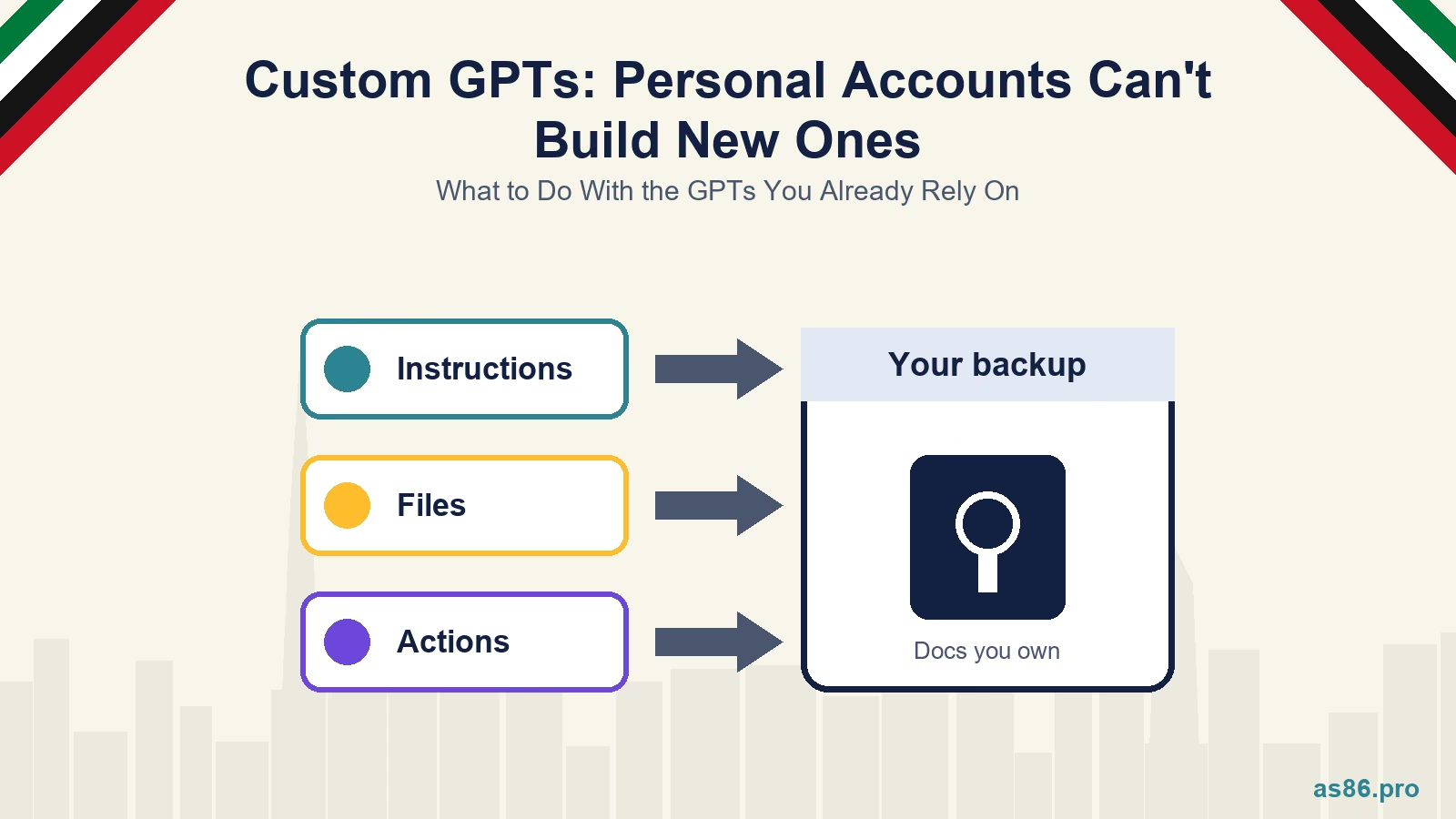 ChatGPT Custom GPTs: Personal Accounts Can't Build New Ones. What to Do With the GPTs You Already Rely On
-
 WhatsApp Service Messages Become Chargeable on 1 October 2026: What UAE Businesses Need to Do Now
-
 Canva AI Explained: A Practical Guide for Dubai Small Business Owners Who Aren't Designers
Get a Growth Plan, Not Just a Quote
Seeking expert digital marketing, web design, or graphic design in the UAE? Let's discuss your project and deliver tailored solutions for measurable growth.
Book Free Consultation