
Canva AI Explained: A Practical Guide for Dubai Small Business Owners Who Aren't Designers
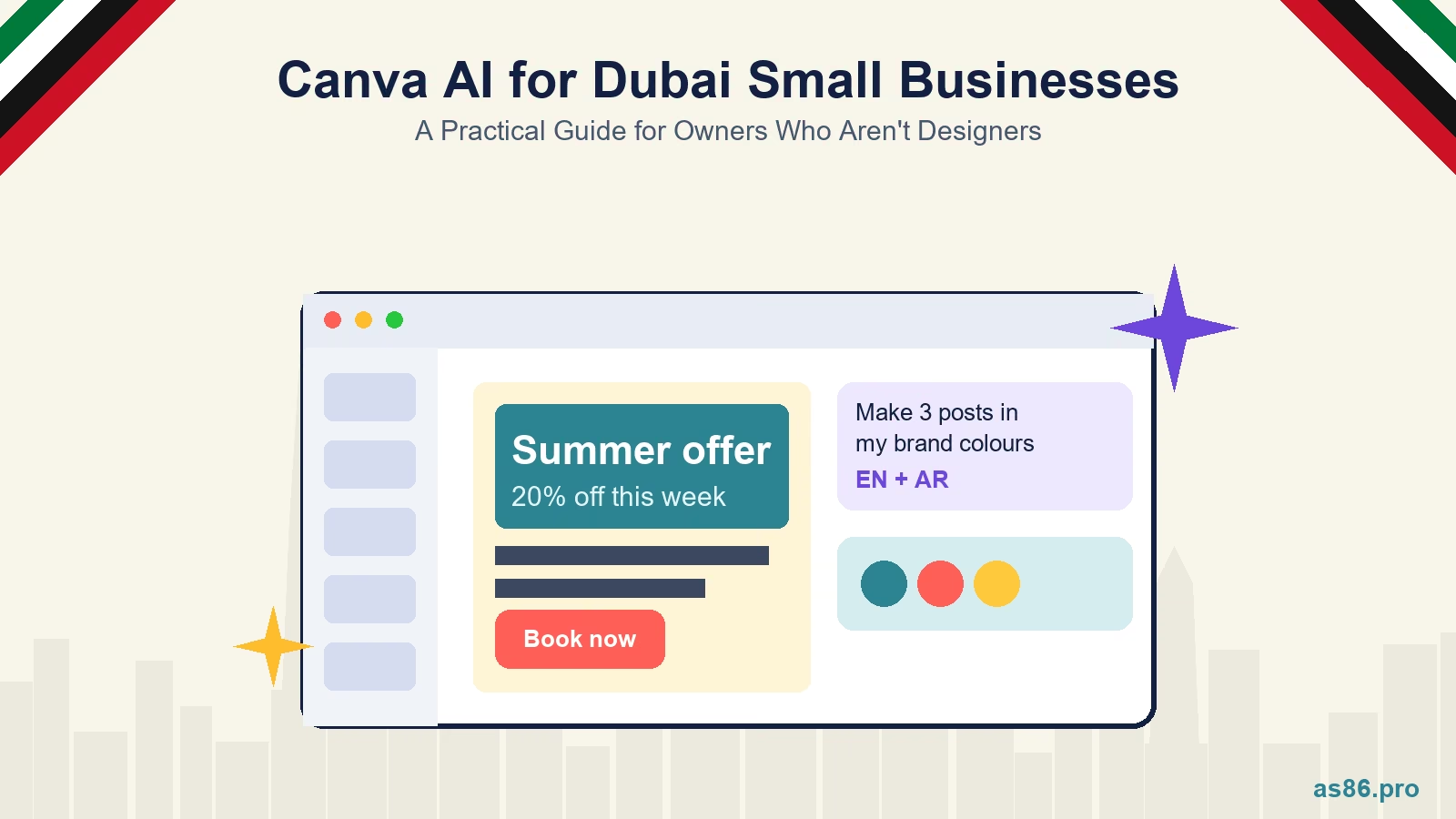
Canva has changed more in the last twelve months than in the previous five years. The tool many small business owners know as a drag-and-drop template library now has an assistant you talk to, a brand system that feeds it, and connectors that pull in your files and messages. For a Dubai owner with no designer on the payroll, that is genuinely useful. It is also easy to overestimate, and the result of a rushed prompt is a post that looks like everyone else's.
It is written for the person who runs the business and also ends up making the Instagram posts, the price list and the WhatsApp promo. Everything about Canva's features and limits below comes from Canva's own pages; where I am giving an opinion, I say so.
Canva AI for Dubai Small Business Owners: What to Use It For and What to Leave to a Designer
What "Canva AI" Means in 2026
It is an assistant, not a template picker. Canva describes Canva AI as something you talk to when you want to brainstorm, design and polish content, with real-time changes as you refine. Canva announced Canva AI 2.0 at its Canva Create event on 16 April 2026 and rolled it out as a research preview to about a million users first, then to more people. If you do not see the new experience in your account yet, that is the reason. The pieces that matter for a small business are these:
Everything it makes stays editable. Text boxes, images and graphics it generates are normal Canva elements you can change by hand. That is the most important difference from a generated flat image: a wrong phone number is a five-second fix, not a regeneration.
It can use your Brand Kit. Canva says you can select your Brand Kit when generating a design so the output is on brand. Brand Kit holds your logos, colours, fonts and templates, and Canva redesigned it as part of its Creative Operating System announcement in October 2025.
Connectors let it pull context from other tools. Canva lists Slack, Gmail, Google Drive, Notion and others. Treat this as optional. For most one-person and small-team businesses, uploading the two or three files the design needs is simpler and gives you more control over what the tool sees.
Other parts of the same announcement. Canva also introduced a Design Model that other assistants can use, a marketing tool called Canva Grow that can publish to Meta with performance tracking, and made the Affinity editing suite free. I would not build a workflow around any of those yet; they are worth knowing about, not worth reorganising your week for.
What the Plans Allow
Canva's help centre sets monthly AI allowances by plan and splits tools into standard, premium and ultra tiers. As stated there today: Canva Free and Pro Lite get a small allowance (up to 20 uses), Canva Pro gets up to 200 uses of premium AI tools or up to 20 uses of the ultra tools per month, and Business gets up to 400 premium or 40 ultra uses. Some standard tools, such as Translate and Magic Write, are described as usable abundantly on paid plans without counting against that allowance. There is also an AI Pass add-on for people who hit the cap.
I am not quoting dirham prices because Canva prices vary by region and billing period and I could not verify the current UAE figures. Check the plans page from a UAE account before deciding. My rule of thumb, which is an opinion and not a Canva statement: try the free plan for two weeks on real work. If you hit the limit before the month is over, that is the signal that Pro pays for itself. If you rarely touch the limit, stay where you are.
Set Up First, Prompt Second
The gap between a generic AI design and one that looks like your business is almost entirely setup. Do this once, before you generate anything:
1. Fill in the Brand Kit properly. Upload your logo in a transparent version and a light-on-dark version, add your two or three brand colours as exact hex codes, and set one heading font and one body font. If you publish in Arabic, choose an Arabic font that pairs with your English one and add it to the kit now. Fixing this later means fixing every design.
2. Collect the facts the design needs. Prices, offer wording, opening hours, your WhatsApp number, terms. Write them in a single note. The assistant cannot know your real prices, and any number it invents has to be caught by you.
3. Gather two or three real photos. Real product or team photos beat generated imagery for anything that sells a specific thing. If your ad shows a product that looks different from what arrives, you have a trust problem and possibly a compliance one.
4. Write prompts as a brief. The pattern I recommend is: goal, audience, format, language, offer, and what to keep fixed. For example: "Create a set of three Instagram carousel slides for a Dubai dental clinic. Goal: bookings for a teeth-whitening offer. Audience: adults 25 to 45 in Dubai. Use my Brand Kit. Slide 1: hook. Slide 2: how it works. Slide 3: offer and call to action with WhatsApp number 0500000000. English first, calm tone, no stock-photo smiles." That prompt is my example, not a Canva template.
Five Jobs Canva AI Does Well for a UAE Small Business
1. A month of social posts from one brief. Give it your offers, your calendar (Ramadan, Eid, UAE National Day, back to school, Dubai Shopping Festival) and your brand kit, and ask for a batch of posts in one visual style. Edit copy and facts by hand afterwards. If you want the copy itself to stop the scroll, my post on writing hooks for the UAE gives you formulas to paste into the prompt.
2. Promotional flyers and WhatsApp images. A single offer graphic sized for a WhatsApp status, a story and a feed post is where the resize and format tools save the most time. Keep the offer, price and expiry date as live text you can edit.
3. Menus, price lists and one-page service sheets. Structured content laid out cleanly is what template-based design has always done well, and the assistant makes the first draft quick. Proofread every figure against your real list.
4. Pitch decks and proposals. A first-draft deck from a written brief, then your own edit. It is faster than starting from a blank slide, provided you supply the real numbers and claims.
5. Variations for testing. If you run paid social, generating three or four visual variations of one message is exactly the kind of volume that helps ad delivery now. I explain why in the Meta Andromeda update post.
Arabic and Bilingual Designs
Canva's newsroom says its AI assistant now works in 16 additional languages, Arabic among them, and Canva's translation tools handle switching a design between left-to-right and right-to-left languages, including mirroring the page layout. That covers the mechanics. It does not cover quality, so here is how I would handle it:
Have a native speaker read every Arabic line before it goes out. Machine-written Arabic can be grammatically fine and still read as stiff, or use a register that does not suit your customers. This is the step people skip and the one customers notice.
Make separate Arabic and English versions. Mixed-direction text in a single line is where alignment, punctuation and number placement break. One design per language, kept in matching layouts, is easier to check and easier to reuse.
Check the font renders. Some decorative fonts have no Arabic glyphs and silently fall back to a default. Look at the finished design at full size, not only in the editor thumbnail.
Where It Falls Short
Logos and brand identity. A logo has to work at a favicon size and on a shop sign, be distinctive and be something you can own and protect. Generating options is fine for brainstorming. It is not a substitute for designing a mark. My post on Dubai branding mistakes explains what goes wrong when the brand is treated as a quick job.
Consistency over months. One good post is easy. Fifty posts that look like one brand is a system: templates, a grid, rules for photography and colour use. The assistant follows your Brand Kit, but it does not build the system for you. The principles in the colour psychology post are the sort of decision you make once, before you generate.
Print and production work. Signage, packaging and anything with bleed, colour profiles or a printer's requirements needs someone who has prepared files for print.
Rights and claims. Read Canva's AI product terms on commercial use before you build a campaign on generated assets, and never let a generated image show something your product does not do. Canva is a tool; the advertiser is responsible for what the ad claims.
A One-Hour Routine
Once the Brand Kit is set, this is the routine I would use for a weekly batch: ten minutes to write the brief and collect facts, fifteen to generate and pick a direction, twenty to edit copy, prices and images by hand, ten for the Arabic version and a native-speaker check, five to resize and schedule. If a design takes longer than that, either the brief was vague or the job is bigger than a batch of posts.
What to Do This Week
Complete the Brand Kit. Logo variants, hex colours, two fonts, and an Arabic font if you publish in Arabic.
Write one prompt as a brief and run it. Use a real offer with the real price and see how much you have to fix.
Find your allowance. Look at your plan's AI usage in Canva's settings so you know when you will hit the cap.
Line up a native Arabic reader. Someone who will check a design within a working day.
Frequently Asked Questions
Next Step
If you want the system set up properly once, so your own team can produce on-brand posts with Canva afterwards, my graphic design service covers brand identity, templates and a Brand Kit built for exactly this. Send me what you have now and I will tell you what is worth fixing first.
Related reading:

Written by Amir Sibaee
Google Ads & Media Buying Specialist · SEO/SEM · Marketing Automation ·...
More about Amir →Related Reading
Want this done for your business? See my Graphic Design services in Dubai.
Latest Posts
-
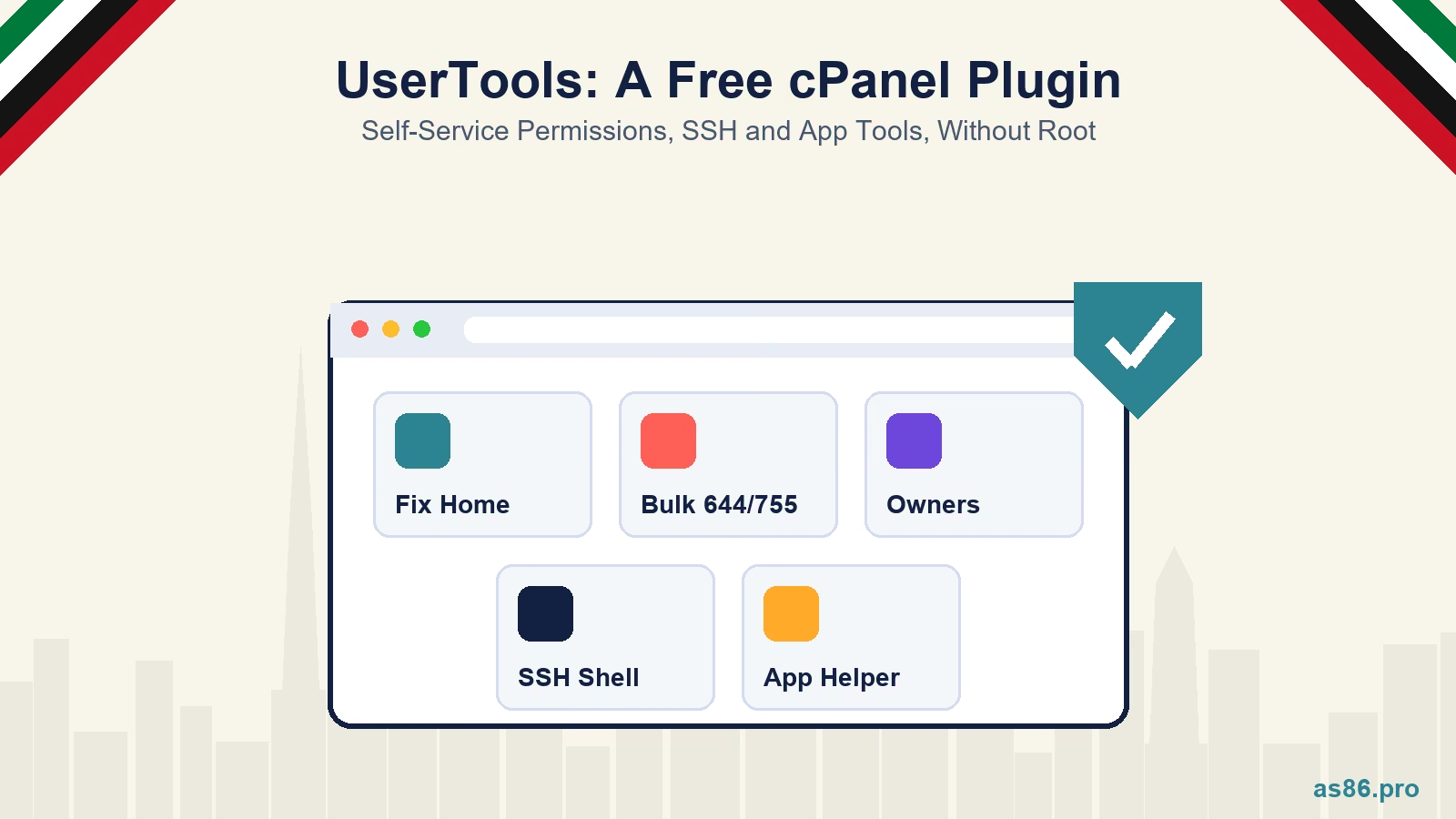 UserTools for cPanel: A Free, Open-Source Plugin That Lets Users Fix Permissions and SSH Access Without Root
-
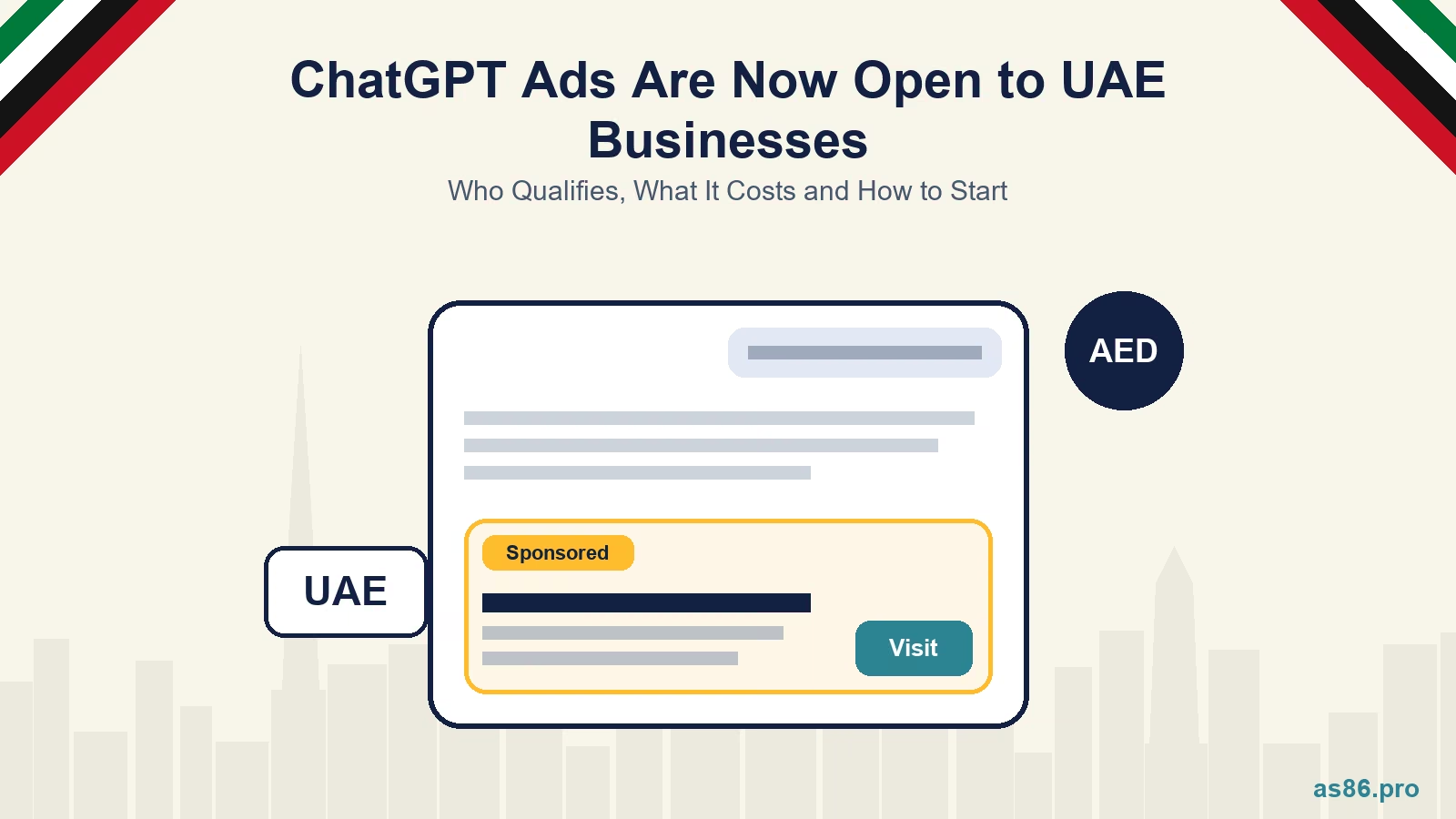 OpenAI Ads Are Now Open in the UAE: What ChatGPT Advertising Costs, Who Qualifies and How to Start
-
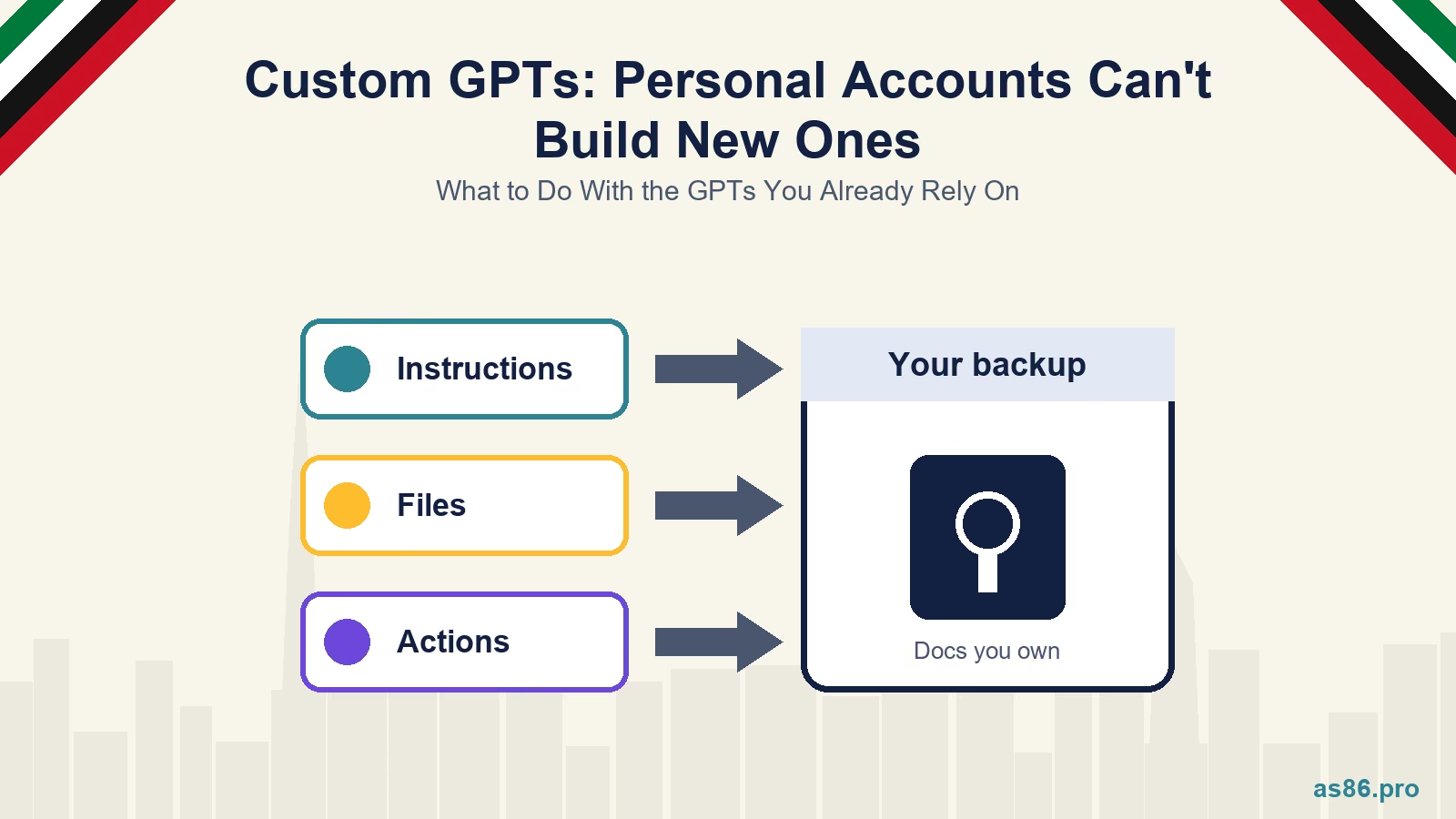 ChatGPT Custom GPTs: Personal Accounts Can't Build New Ones. What to Do With the GPTs You Already Rely On
-
 WhatsApp Service Messages Become Chargeable on 1 October 2026: What UAE Businesses Need to Do Now
-
 TikTok Shop vs Instagram Shopping in the UAE: One Is Not Open Yet, So Where Should You Sell First?
Tags
Get a Growth Plan, Not Just a Quote
Seeking expert digital marketing, web design, or graphic design in the UAE? Let's discuss your project and deliver tailored solutions for measurable growth.
Book Free Consultation