
ChatGPT Custom GPTs: Personal Accounts Can't Build New Ones. What to Do With the GPTs You Already Rely On
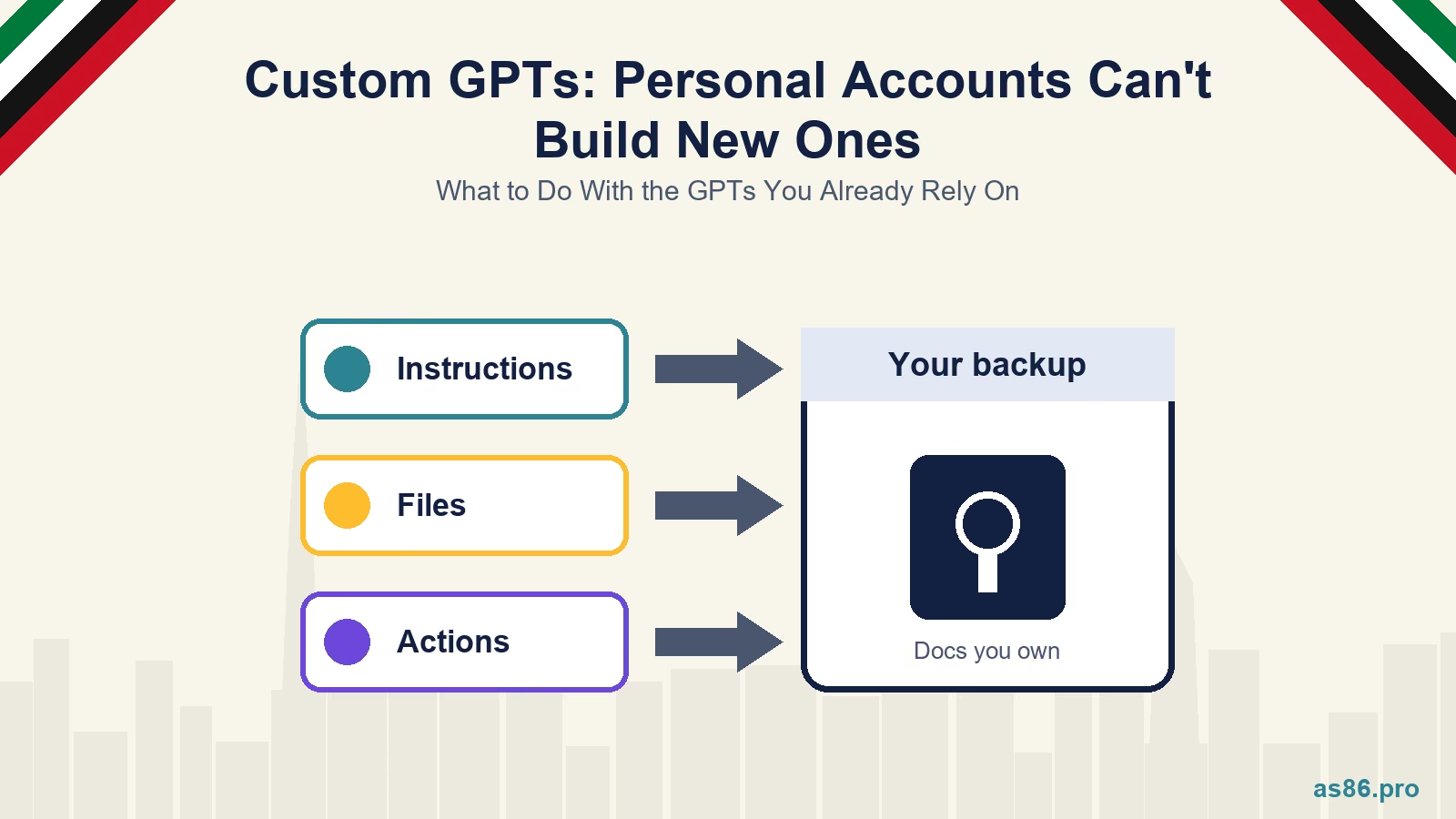
If your business or your team leans on a custom GPT, whether it is a prompt library for Arabic and English ad copy, a proposal writer or a customer-facing assistant, the ground under it has shifted. OpenAI has stopped personal ChatGPT accounts from creating or publishing new GPTs. Existing ones still work. What is less clear is how long that stays true, and most of the commentary I have read mixes confirmed facts with guesses.
Panic is not warranted. The sensible move is to make sure nothing important lives in a place you cannot rebuild.
Custom GPTs After the Personal-Account Change: What Is Confirmed and What to Do About It
What Is Confirmed
Personal accounts cannot create or publish new GPTs. OpenAI's help article "Creating and editing GPTs" says that personal ChatGPT accounts, meaning Free, Go, Plus and Pro, cannot create or publish new GPTs. I found this through a search summary of that page; the page itself refused to load for my automated reader, so read it directly in your own account before you rely on my wording.
Existing GPTs keep working. The same article says existing GPTs remain available to use, and that people can keep editing GPTs they created earlier if their plan and permissions allow it.
Workspaces are treated differently. Users in Business, Enterprise and Edu workspaces can create, edit and publish GPTs when their workspace settings and permissions allow it. In other words, the door has closed for individuals, not for organisations that pay for a managed workspace.
The date. Trade coverage puts the change at 16 August 2026 and adds that the GPT Store is now closed to new submissions from individual accounts. That is a secondary source, but its description matches OpenAI's help text.
Something newer for teams. OpenAI introduced Workspace Agents in April 2026, aimed at team automation on business and enterprise plans, and has a help article for them. That is a separate product from GPTs, and I would read OpenAI's own page before deciding whether it fits your use.
What Is Not Confirmed
That custom GPTs are being switched off. Some articles say GPTs are being deprecated, with a retirement date in December 2026 for enterprise workspaces. I could not find an OpenAI source for that date, and one article making the claim cited nothing checkable. I am not treating it as fact. What I can confirm is narrower: creation has closed for personal accounts.
What happens to your existing personal GPTs later. Nothing I found says they will be removed, and nothing says they are guaranteed. That uncertainty is the reason to back them up now.
For the same reason I would be cautious about the word "abandoned". OpenAI has narrowed who can build GPTs. It has not, as far as I can verify, ended them.
Why This Matters for a UAE Business
Staff and freelancers use them as shared tools. A GPT that writes bilingual ad variations or formats a quotation is often a single person's project living on a single person's personal account. If that person leaves, or the account changes plan, the tool goes with them.
Customer-facing GPTs depend on a public link. If you send clients or customers to a GPT link from a website, a WhatsApp reply or a business card, you depend on that link continuing to resolve.
Agencies and consultants may have built GPTs for clients. If you did, check whose account each one sits under and whether the client can take it over.
Your prompts are an asset. A good set of instructions represents hours of testing. It should live somewhere you control, in a form you can paste into another tool.
A One-Afternoon Audit and Backup
1. Inventory every GPT. For each one, write down its name, which account owns it, which plan that account is on, who uses it, and where its link appears (website, emails, WhatsApp, documents). A spreadsheet with those columns is enough.
2. Copy out the instructions. Open each GPT's configuration and paste the full instruction text into a document you own, with the date. This is the most valuable part and it takes a few minutes per GPT.
3. Keep the knowledge files. Download or locate the original files you uploaded. If the only copy of a price list or brand guide is inside a GPT, that is a risk regardless of this change.
4. Record the Actions. If a GPT calls an outside service through Actions, save the schema and note which credentials it uses and where they are stored. Do not paste secrets into a document that many people can read.
5. Save the test prompts. Write down five to ten questions the GPT should answer well, including at least two in Arabic if your customers use it. Those become your check that a rebuild behaves the same way.
6. Decide keep, migrate or retire. A GPT nobody has used in three months can be retired. A GPT that staff use daily should be moved somewhere shared.
Where to Rebuild It
Inside a workspace you control. If you are on a Business, Enterprise or Edu plan, GPTs can still be built and published subject to your workspace settings, and your administrator sees them. That solves the "lives on one person's account" problem.
In another assistant. Other assistants offer similar saved-instruction features, such as Projects in Claude and Gems in Gemini. Check the current limits on your plan, because file sizes, sharing rules and tool support differ. Because you have already saved the instructions and files, moving is copy and paste plus a test run.
As a document plus a habit. For many small teams the honest answer is a well-kept instruction document in a shared folder that people paste into whichever assistant they use. It is less elegant than a GPT and much harder to lose.
Whichever you choose, write instructions in plain, tool-neutral language: who the assistant is, who it serves, the tone, the format, what it must never do, and worked examples. That is the part that transfers. If you need a starting point for the prompts themselves, my post on 50 ChatGPT prompts for Dubai digital marketing is a decent library, and the NotebookLM guide shows a research workflow that does not depend on a single vendor's GPT feature.
A Rule I Would Adopt Now
Do not let any business-critical workflow depend on a feature you cannot export. Ask of every AI tool: can I get my instructions and my data out in a usable form, and does more than one person own it? The custom GPT change is a small version of a problem that will come back with other tools. If you use AI in your marketing, the same thinking applies to the workflows in my Ahrefs MCP guide and the connector guides that followed it.
What to Do This Week
Read OpenAI's help article yourself. Search "Creating and editing GPTs" in the OpenAI Help Center and check the wording for your plan.
Build the inventory. One row per GPT, with owner, plan, users and link locations.
Back up instructions and files. Do the most-used GPT first.
Move one shared tool to a place with two owners. A workspace, a shared folder, or another assistant.
Frequently Asked Questions
Next Step
If you would like help deciding which AI workflows are worth building properly, and where they should live so they survive changes like this one, take a look at my services and tell me what you use AI for today. I will tell you which pieces to keep, which to move and which to drop.
Related reading:

Written by Amir Sibaee
Google Ads & Media Buying Specialist · SEO/SEM · Marketing Automation ·...
More about Amir →Related Reading
-
 Google Tag Manager 101: Tracking Your Website’s Most Important Events
-
 AI-Assisted Google Ads Campaign Building for UAE Businesses (2026)
-
 Should You Let an AI Agent Run Your Ad Campaigns? A Dubai Marketer's Honest Take
-
 OpenAI Ads Are Now Open in the UAE: What ChatGPT Advertising Costs, Who Qualifies and How to Start
Want help putting this into practice? See all my digital marketing services in Dubai.
Latest Posts
-
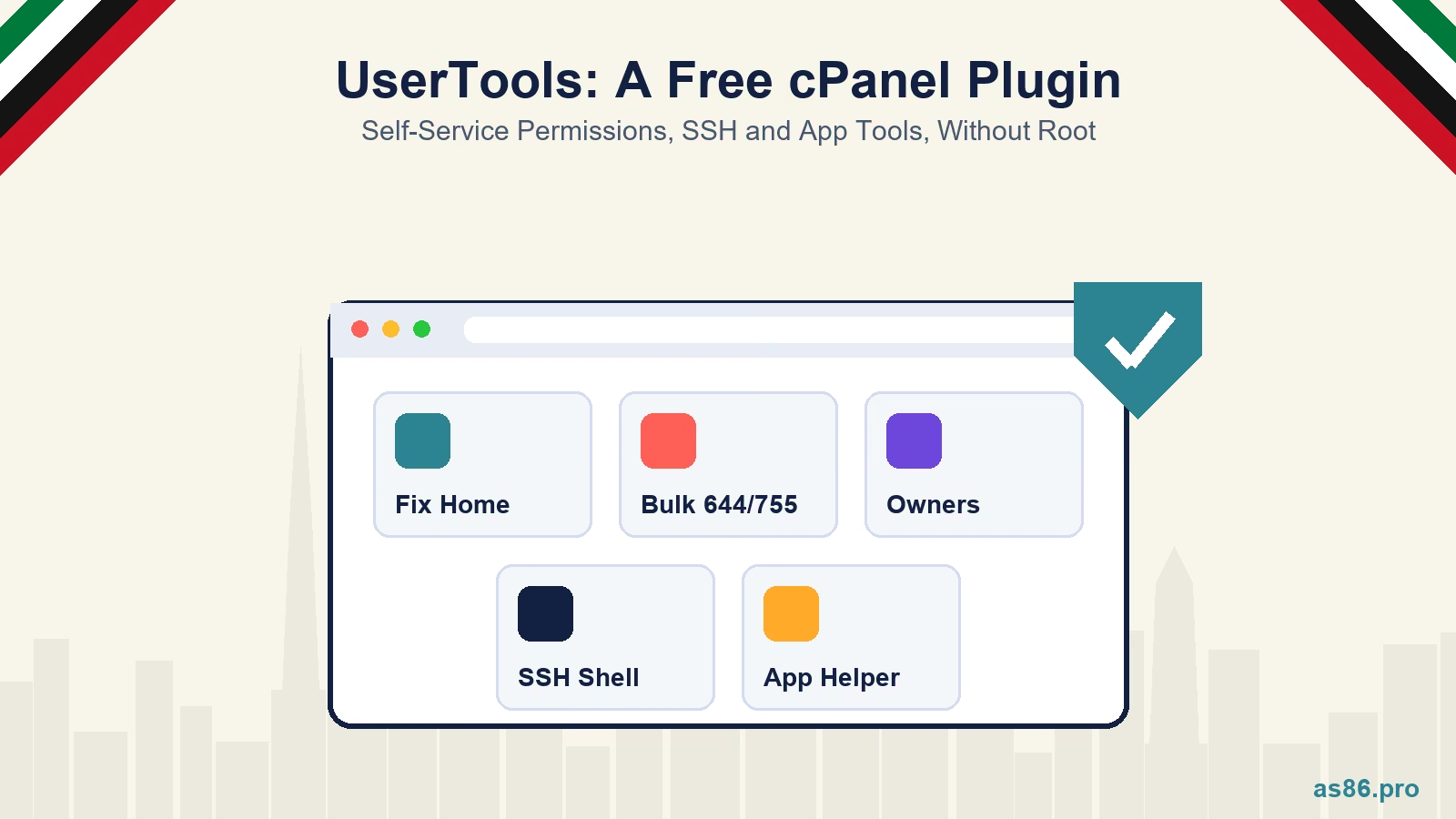 UserTools for cPanel: A Free, Open-Source Plugin That Lets Users Fix Permissions and SSH Access Without Root
-
OpenAI Ads Are Now Open in the UAE: What ChatGPT Advertising Costs, Who Qualifies and How to Start
-
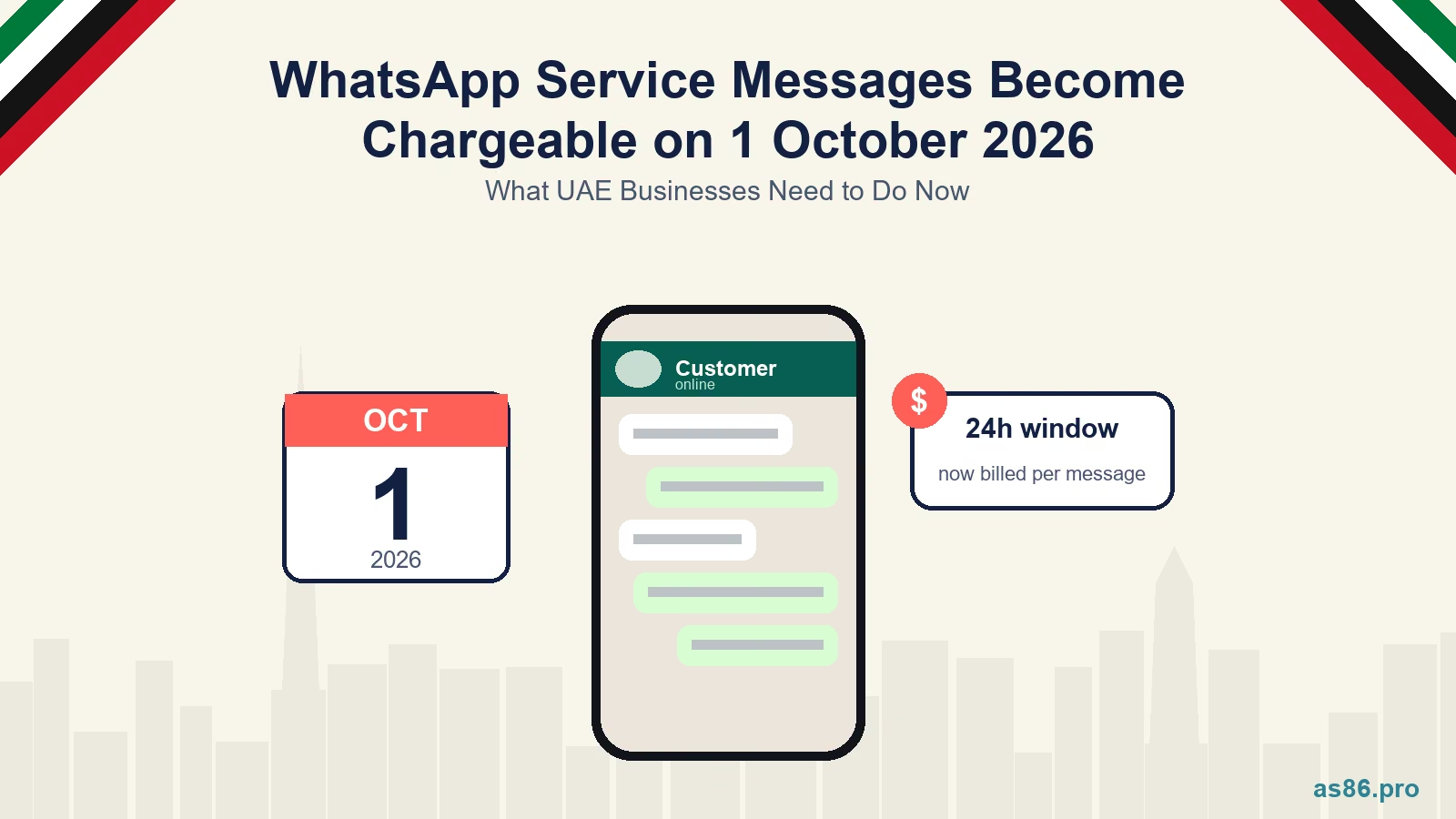 WhatsApp Service Messages Become Chargeable on 1 October 2026: What UAE Businesses Need to Do Now
-
 Canva AI Explained: A Practical Guide for Dubai Small Business Owners Who Aren't Designers
-
 TikTok Shop vs Instagram Shopping in the UAE: One Is Not Open Yet, So Where Should You Sell First?
Get a Growth Plan, Not Just a Quote
Seeking expert digital marketing, web design, or graphic design in the UAE? Let's discuss your project and deliver tailored solutions for measurable growth.
Book Free Consultation