
Should You Let an AI Agent Run Your Ad Campaigns? A Dubai Marketer's Honest Take

Ad platforms and AI assistants now offer several ways to let software make changes to a campaign. The question I hear is how much of that to switch on. This post sets out what Google and Meta actually document, where I would keep a person in charge, and a checklist of guardrails you can apply this week.
I have rewritten this post since it was first published. The first version described "autonomous agents that run entire campaigns" as a general 2026 trend without naming a product or a source, and its search description said agents run campaigns "with no human in the loop". I could not find a platform that documents that, so I have replaced it with what the vendors say on their own pages. My opinions are marked as opinions.
Should You Let an AI Agent Run Your Ad Campaigns?
Three Different Things Get Called an "Agent"
Much of the confusion comes from one word covering three different arrangements, and the risk is different in each.
Automation inside the platform. Smart Bidding on Google and Advantage+ on Meta make decisions in every auction or delivery, using many signals at once. You set goals and limits, and the system does the rest continuously.
An assistant inside the platform. Google's Ask Advisor in Google Ads is described on its help page as "an agentic conversational experience built within Gemini capabilities". It answers questions, troubleshoots, and suggests changes.
An outside AI assistant connected to your account. This is the newest of the three: Claude, ChatGPT or another assistant connects to your ad account through an MCP server and reads data, and in some cases changes it. Google and Meta have taken different positions on how much such an assistant may do, and that difference matters more than any general claim about "AI running your ads".
What Google and Meta Actually Document
| Feature | Can it change your account? | What the vendor says |
|---|---|---|
| Google Smart Bidding | Yes, bids in every auction | Uses Google AI to optimise for conversions or conversion value. You set the targets. |
| Google Ask Advisor (beta) | Only with your approval | Changes require advertiser approval. Not available in manager accounts. |
| Google auto-applied recommendations | Yes, when you switch it on | Eligible recommendations are applied regularly. Can be turned off at any time. |
| Google Ads MCP server | No | "Strictly read-only. It cannot modify bids, pause campaigns, or create new assets." |
| Meta Advantage+ sales campaigns | Yes, delivery decisions | Automates audience, placements, budget and destination. |
| Meta Ads MCP server (open beta) | Yes, read and write | Can create and edit campaigns, ad sets and ads. Admins can set rules on what agents may do. |
A few details behind that table are worth spelling out.
Smart Bidding wants data, and Google says how much. The Smart Bidding help page recommends measuring performance over a period that includes at least 30 conversions, such as a month or longer, and 50 conversions for Target ROAS. It also tells advertisers to decide whether Smart Bidding suits their business and to set their own targets. The first version of this post claimed that most Dubai SME accounts lack the data volume for automation to work. I have no source for how many conversions a typical Dubai account gets, so I am dropping that claim. Check your own campaigns against Google's number instead.
Ask Advisor applies changes only after you agree. Google's Ask Advisor page marks it as beta, says you keep editorial control over AI-generated assets and should review them, and notes it is not available in manager accounts.
Auto-applied recommendations are the quiet one. Google's page on applying recommendations automatically says that once you turn the setting on, eligible recommendations are applied regularly. The categories include ads and assets, bidding strategies such as CPA and ROAS targets, keywords and targeting such as adding keywords or broad match, and measurement. There is a History tab that lists what was applied. In my opinion this is the most common way a Google Ads account is already being changed by automation without anyone deciding to "use an agent". Open the setting and see what it says.
Google's own MCP server cannot change anything. The official Google Ads MCP server exposes three tools, for listing accessible accounts, running queries and reading resource metadata. Google's documentation says the implementation is strictly read-only. So an assistant connected this way can analyse your account and cannot edit it. The project's repository also warns that the server will expose your data to the agent or model you connect. Other tools that connect to Google Ads may behave differently, so check what any tool you use is allowed to do.
Meta's connector can write. Meta announced its Ads AI Connectors in open beta on 29 April 2026, an MCP server plus a command line tool, and its developer documentation says it can create and edit ads, ad sets and campaigns as well as report on them. On 16 July 2026 Meta added "ads MCP server rules", which it says give anyone with full control of a business portfolio the ability to govern what AI agents can do on their ad account, from budget changes to catalog updates. I have not been able to open the page that lists the individual rule options, so I cannot tell you exactly what they are. Look in your Business settings for the option before you connect anything that can write. Third-party guides say campaigns created through the connector start paused. I could not confirm that on a Meta page, so do not rely on it.
Meta's Advantage+ sales campaigns are the in-platform version: Meta says they automate audience, placements and budget, and that its most advanced optimisations apply when Advantage+ audience, campaign budget, placements and destination are all used together.
Where I Would Let Automation Run, and Where I Would Not
This section is my opinion, informed by the vendor facts above.
I would let automation run on bidding, once the data is there. If a campaign clears Google's conversion guidance and your conversion tracking is right, Smart Bidding is a reasonable thing to lean on with a periodic review. The same goes for read-only analysis: letting an assistant query your account and summarise it costs little and changes nothing.
I would keep a person in charge of five things.
1. Budget and spending limits. A daily budget in Google Ads is not a hard daily cap. Google's spending limits page says a campaign can spend up to twice its average daily budget on a given day, with a monthly limit of 30.4 times the average daily budget for most campaigns, and that you are never billed above those limits. If anything is allowed to change budgets, those multipliers set the worst case, so work out that number before you agree.
2. What counts as a conversion. An automated system optimises towards whatever you tell it is a win. If your conversion is a WhatsApp click that anyone can trigger, an agent will find more people to click it. Fix the definition first, and my guide to tracking WhatsApp leads in Google Ads shows how to count real leads.
3. Arabic and English copy. Google's own Ask Advisor page tells you to review AI-generated assets, and I would go further for a bilingual account. Whether an Arabic ad reads naturally is a judgment call, and a wrong call is visible to every customer. My guide to English and Arabic campaign structure covers how I set that up.
4. Claims in regulated sectors. If you advertise health, financial or property services, a person who knows the rules should approve what is claimed. An agent has no way to know which of your claims you are allowed to make.
5. Anything that is hard to undo or that spends real money quickly. New campaigns, budget increases and pauses on your best performers should wait for a human yes.
A Guardrail Checklist
Give the least access that does the job. Google Ads has read-only, standard and admin access levels. Start any outside assistant on read-only, and move up only when you have seen it work. On Meta, decide what the assistant may do before you turn on write access, using the rules Meta describes.
Know the worst case on spend. Use Google's 2 times daily and 30.4 times monthly limits to calculate the most a campaign can spend, and keep a payment-method limit as a backstop outside the agent. That backstop is my suggestion, not a vendor feature.
Require approval for changes that matter. Ask Advisor already works this way. For anything connected to write access, put budget changes and campaign creation behind a human check.
Keep the audit trail and read it. Google's change history lists changes for the past two years, can be filtered by type of change such as budget adjustments, and shows API or third-party tool changes with "Google Ads API" or the tool's name in the user column. Meta lists activity monitoring among the tools of its MCP server, but I have not verified how to review it, so find where your account shows agent activity before you rely on it.
Know your kill switch. Write down how to turn off auto-applied recommendations (Google says you can do it at any time), how to remove the assistant's access, and who is allowed to pause campaigns outside working hours.
Report on leads, not on the agent's own summary. Compare platform numbers with your CRM or WhatsApp inbox every week.
My Position
I use automation and AI tools in how I manage campaigns. Automated bidding and automated audience testing are part of my normal work. My line, for now, is full autonomy with no review of the actual decisions. The new information in this rewrite has moved my reasoning a little: the platforms are building controls, such as Ask Advisor's approval step and Meta's rules for agents, so the risk is less about the tool and more about the permissions you give it and whether anyone reads the change history. I would still not let an unreviewed system make creative and budget decisions across a bilingual account.
That is an opinion and it will change as the tools do. It is worth checking again in six months.
What to Do This Week
1. Open your auto-apply setting in Google Ads and read what is switched on and what the History tab says was applied.
2. Check your conversion volume for each campaign against Google's 30 conversions guidance before deciding how much to hand to bidding automation.
3. Do the spending arithmetic. Multiply each daily budget by 2 and by 30.4 and make sure you could live with both numbers.
4. Review access. Check who and what has standard or admin access to your ad accounts, and downgrade anything that only needs to read.
5. Write the kill switch down. One page: how to stop automation, who does it, and where the change history is.
Frequently Asked Questions
Next Step
If you want AI-assisted campaign management with a person reviewing the decisions, that is how I run accounts. My Google Ads management service starts with a review of your current automation settings, access and change history. Send me your account details and I will tell you what I would switch off, keep or add controls to.
Related reading:

Written by Amir Sibaee
Google Ads & Media Buying Specialist · SEO/SEM · Marketing Automation ·...
More about Amir →Related Reading
-
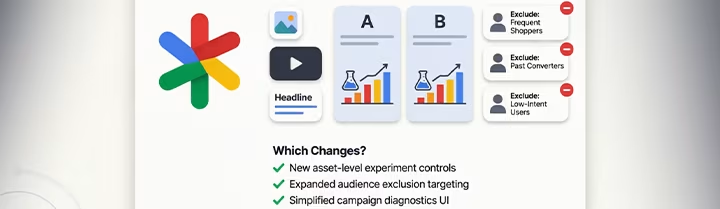 Performance Max in 2026: Asset Experiments, New Audience Exclusions, and What Actually Changed
-
 OpenAI Ads Are Now Open in the UAE: What ChatGPT Advertising Costs, Who Qualifies and How to Start
-
 Google Ads AI Max Upgrade: What Changes in September 2026, and When Dynamic Search Ads Follow
-
 AI-Assisted Google Ads Campaign Building for UAE Businesses (2026)
Want this done for your business? See my Search Engine Marketing services in Dubai.
Latest Posts
-
OpenAI Ads Are Now Open in the UAE: What ChatGPT Advertising Costs, Who Qualifies and How to Start
-
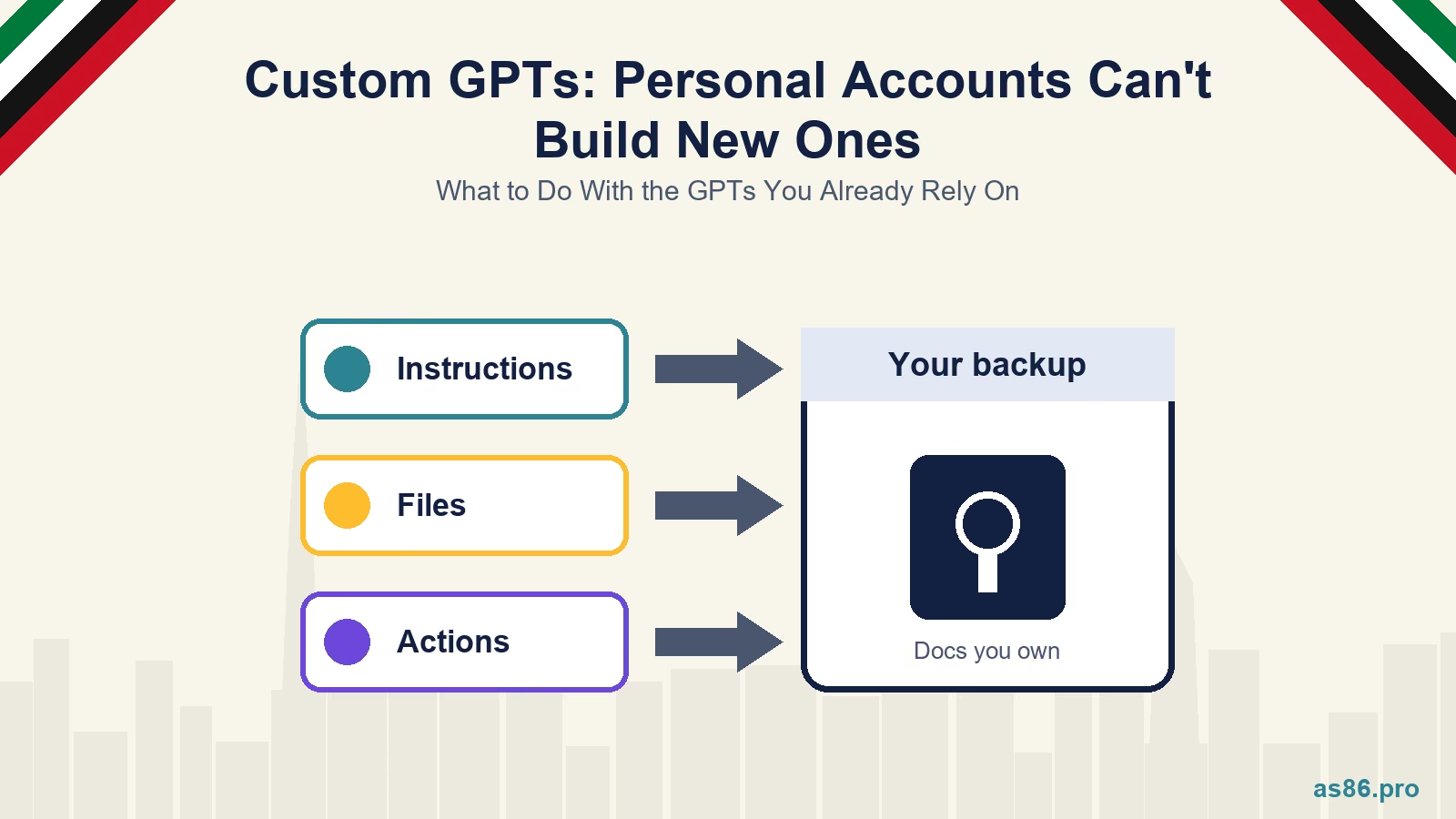 ChatGPT Custom GPTs: Personal Accounts Can't Build New Ones. What to Do With the GPTs You Already Rely On
-
 WhatsApp Service Messages Become Chargeable on 1 October 2026: What UAE Businesses Need to Do Now
-
 Canva AI Explained: A Practical Guide for Dubai Small Business Owners Who Aren't Designers
-
 TikTok Shop vs Instagram Shopping in the UAE: One Is Not Open Yet, So Where Should You Sell First?
Tags
Get a Growth Plan, Not Just a Quote
Seeking expert digital marketing, web design, or graphic design in the UAE? Let's discuss your project and deliver tailored solutions for measurable growth.
Book Free Consultation