
How to Track ChatGPT, Gemini, and Claude Referral Traffic in GA4 (2026 AI Assistant Channel Setup)
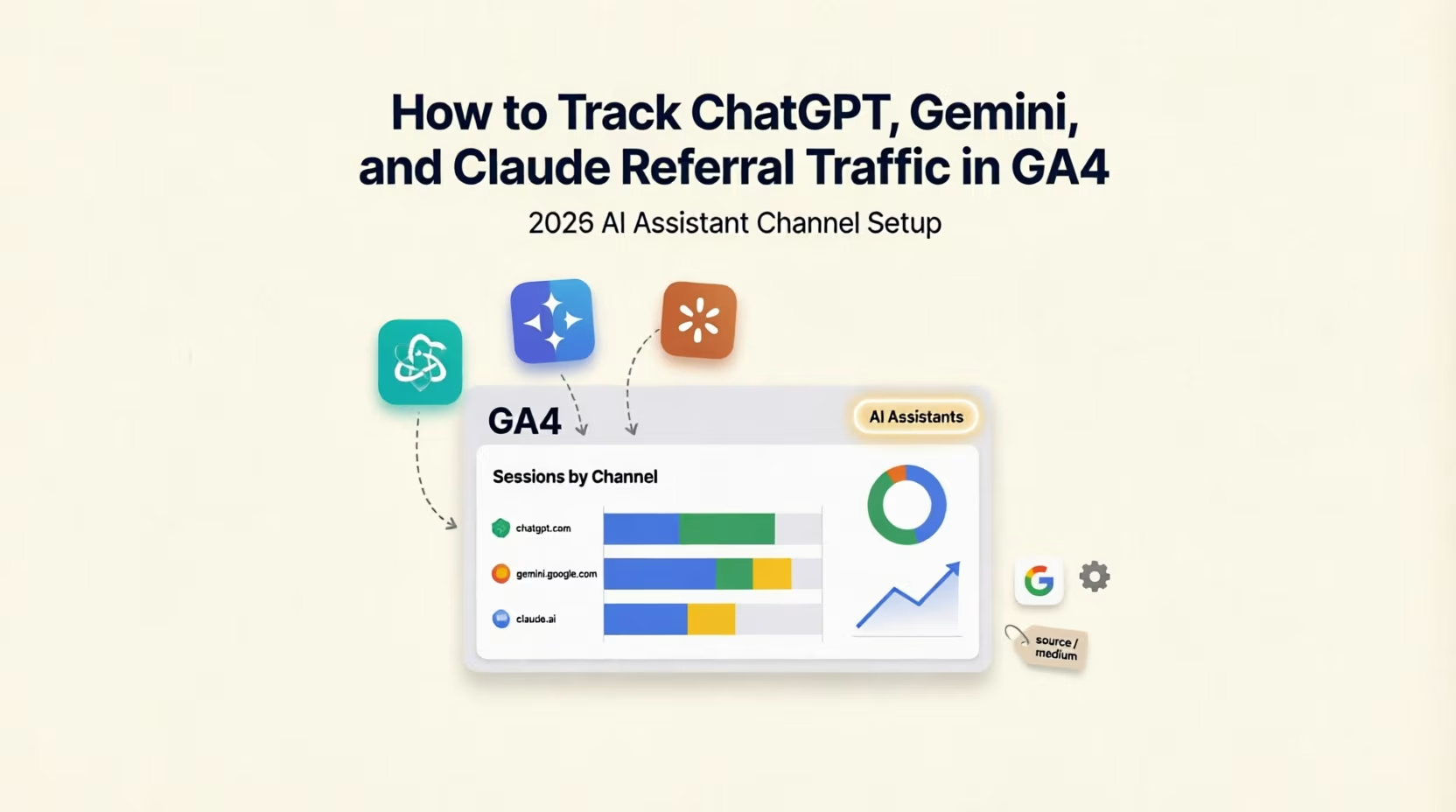
Someone asks ChatGPT for a recommendation, the answer cites your site, and they click through. Where does that visit appear in your analytics? For most GA4 properties the honest answer used to be "somewhere vague, probably Direct or Referral". On 13 May 2026 Google added a dedicated AI Assistant channel to the default channel group. This post covers what Google actually says about it, how to find it, how to check what is landing in it and what is not, and how to build your own channel group for the sources it misses.
I have rewritten this post since it was first published. The first version had the date and the idea right, but it gave advice about refreshing the default channel group that Google's documentation contradicts, and it listed supported assistants that do not match Google's own definition page. This version checks each point against Google's help pages, links them, and says plainly where Google is silent.
How to Track ChatGPT, Gemini and Claude Traffic in GA4
What Google Changed, and What It Says
Google's release notes for 13 May 2026 describe three changes. The traffic source Medium gets a new value, ai-assistant, assigned automatically when the referrer matches a recognised AI assistant. The Campaign name for those visits is (ai-assistant). And those visits are grouped into a new channel called AI Assistant. The note names ChatGPT, Gemini and Claude.
The default channel group page gives the rule: the medium exactly matches ai-assistant, and Google sets that medium when the referrer matches a list of AI assistants. It describes the channel as users arriving "from sources like ChatGPT, Gemini, Deepseek, Copilot, or Grok", and it states that the channel excludes Google's AI Overviews and AI Mode.
Read those two pages side by side and you will see they do not name the same assistants. The release note mentions Claude and the definition page does not, and the definition page mentions Deepseek, Copilot and Grok and the release note does not. Google does not publish the full list of referrers it recognises. So do not assume a particular assistant is covered. Check your own data, as described below.
Two things Google does not say. It does not say whether traffic before 13 May 2026 was reclassified into the new channel, and it does not say how the Referral and Direct channels are affected. I will come back to why that matters when you read trends.
Where to Find It
In GA4, open Reports, then Acquisition, then Traffic acquisition. Google's report guide says the table uses Session default channel grouping as its primary dimension, and you will find AI Assistant as one of the rows if any visits matched. To see the raw values behind it, use the dimension dropdown to switch to Session source / medium. Visits in the channel should show a medium of ai-assistant. Add Session campaign as a secondary dimension with the plus icon and you should see (ai-assistant).
If the row is missing, do not go looking for a setting to refresh. The first version of this post told you to check your channel group definitions and to refresh older custom groups. Google says something different: "it's not possible to edit the Google Analytics default channel group because Google maintains a universal default for all users." There is nothing to refresh. A missing row means either no visit matched the rule, or the visits arrived without a referrer that Google recognises, in which case they landed elsewhere, usually in Direct or Referral.
One trap applies to properties that use a custom channel group. When you create one, Google's custom channel group guide says you start by copying the default group. That makes it a snapshot. I could not find Google saying whether a custom group picks up channels added to the default later, so if you view your reports through a custom group made before May 2026, open the group and look for the AI Assistant channel yourself.
Find the Real Sources in Your Own Property
Before you trust any channel, look at what is actually arriving. In Traffic acquisition, with Session source / medium as the primary dimension, use the search box above the table and try each of these in turn: chatgpt, perplexity, gemini, claude, copilot, grok and deepseek. For every match, write down three things: the exact source text, the medium, and which channel it was placed in. You are looking for two situations. An assistant that appears with the ai-assistant medium is already handled. An assistant that shows a medium of referral is being counted as ordinary Referral traffic, and that is the case a custom channel group can fix.
About utm_source=chatgpt.com: I have seen it mentioned in discussions of ChatGPT links. I could not confirm it from OpenAI, because its help pages block automated access and the crawler documentation I could open does not mention it, so I treat it as unverified. Look at your own reports instead. If a source called chatgpt.com appears in Session source / medium, that is what your property records, whatever the reason.
Build a Custom Channel Group for What the Default Misses
Once you know which sources land outside the AI Assistant channel, group them yourself. The steps, from Google's custom channel group guide, are:
1. Create the group. Open Admin, then Data display, then Channel groups, and choose to create a new channel group. Name it something clear, such as "Channels with AI referrals". It starts as a copy of the default group.
2. Add a channel. Add a channel called "AI referrals". Set a condition on the Source field using "matches regex".
3. Enter the pattern. A starting point is .*(chatgpt|perplexity|gemini|claude|copilot|grok|deepseek).*. Two details come from Google's regular expression guide. Matching is a full match and case sensitive by default, so the .* at each end is what turns it into a "contains" match. The pipe symbol means "or". Edit the list to the sources you wrote down. A short word such as "gemini" or "claude" can also match an unrelated site whose address contains it, which is why the list must come from your own Source report and not from mine. I have checked this pattern against Google's documented matching rules, not against your property.
4. Put it in the right place. Google says traffic goes into the first channel whose definition it matches, in the order shown. Reorder the channels so "AI referrals" sits above Referral, or the visits will be claimed by Referral first.
5. Save and use it. Custom channel groups work as a primary dimension in the Acquisition reports and in explorations and audiences. They cannot be used in the Key events paths report. A standard property can hold two custom groups with up to 50 channels each. Google also says a custom group can be applied to your reports retroactively, which the default AI Assistant channel note does not promise.
How to Read the Numbers Honestly
Treat the channel as a floor. The rule only fires when Google recognises the referrer. Google describes Direct as traffic that arrives by a saved link or a typed address, and its guide to (direct) / (none) traffic lists other causes: missing UTM parameters, redirects and URL shorteners that strip parameters, links in offline documents, and ad blockers. A visitor who copies your address out of an assistant's answer and pastes it into a browser is Direct. Traffic that matches no channel rule at all is shown as Unassigned.
Be careful with trends that cross 13 May 2026. Google does not say whether earlier data was reclassified. If the AI Assistant channel starts on that date and your Direct or Referral traffic dips at the same time, the change may be in the labelling, not in your visitors. Compare the AI Assistant channel with itself over months, and check Direct and Referral around the same date before you draw any conclusion. This is my inference from what Google leaves unsaid.
Do not expect to see AI Overviews or AI Mode here. Google says the channel excludes them. Its Search Central page on AI features and your website says sites appearing in AI Overviews and AI Mode are included in overall search traffic in Search Console, reported under the Web search type. It does not say whether they can be separated. I could not find where GA4 puts those clicks, so I would not build reports that assume you can isolate them. My guide to AI Overviews and AI Mode covers what is known.
Judge by what the visits do, not by the count. For most sites this channel will be small next to organic search, and one week tells you nothing. Add the landing page as a second dimension to see which pages assistants send people to, then compare engagement and key events against your other channels. If WhatsApp clicks are your main goal, my guide to tracking WhatsApp leads shows how to make them a key event. A person who reads an assistant's answer and searches your brand name later will appear as organic or direct traffic, so a small channel does not prove small influence.
What to Do This Week
1. Open Traffic acquisition and look for the AI Assistant row and the ai-assistant medium.
2. Search the source list for each assistant name and record source, medium and channel for every match.
3. Decide whether you need a custom group. If assistants appear under Referral, create one, put it above Referral, and use the sources you found.
4. Tag the links you control. Any link you place yourself, such as in an email or a partner page, should carry proper UTM tags so it never becomes Direct. My UTM guide has templates.
5. Write down the date. Note 13 May 2026 in your reporting file, so anyone reading a chart later knows about the channel change.
Frequently Asked Questions
ai-assistant medium in your own property.Next Step
If you want to know how much of your traffic and how many of your leads really come from AI assistants, and whether the pages they land on are the ones you want, my SEO consulting service includes a check of your GA4 channels and landing pages. Send me your site address and what counts as a lead for you, and I will tell you what I would set up first.
Related reading:

Written by Amir Sibaee
Google Ads & Media Buying Specialist · SEO/SEM · Marketing Automation ·...
More about Amir →Related Reading
-
 Google Consent Mode v2 Setup Guide for Dubai Websites Advertising to the EU
-
 UTM 101: How to Track Every Click in Dubai (Templates + GA4 Tips)
-
 UAE PDPL Compliance for Marketers: What Your Tracking Pixels Actually Need in 2026
-
 The Same But Different: Evolving Your SEO for AI-Driven Discovery (Dubai Edition)
Want this done for your business? See my Search Engine Marketing services in Dubai.
Latest Posts
-
 UserTools for cPanel: A Free, Open-Source Plugin That Lets Users Fix Permissions and SSH Access Without Root
-
 OpenAI Ads Are Now Open in the UAE: What ChatGPT Advertising Costs, Who Qualifies and How to Start
-
 ChatGPT Custom GPTs: Personal Accounts Can't Build New Ones. What to Do With the GPTs You Already Rely On
-
 WhatsApp Service Messages Become Chargeable on 1 October 2026: What UAE Businesses Need to Do Now
-
 Canva AI Explained: A Practical Guide for Dubai Small Business Owners Who Aren't Designers
Get a Growth Plan, Not Just a Quote
Seeking expert digital marketing, web design, or graphic design in the UAE? Let's discuss your project and deliver tailored solutions for measurable growth.
Book Free Consultation