
Google Consent Mode v2 Setup Guide for Dubai Websites Advertising to the EU
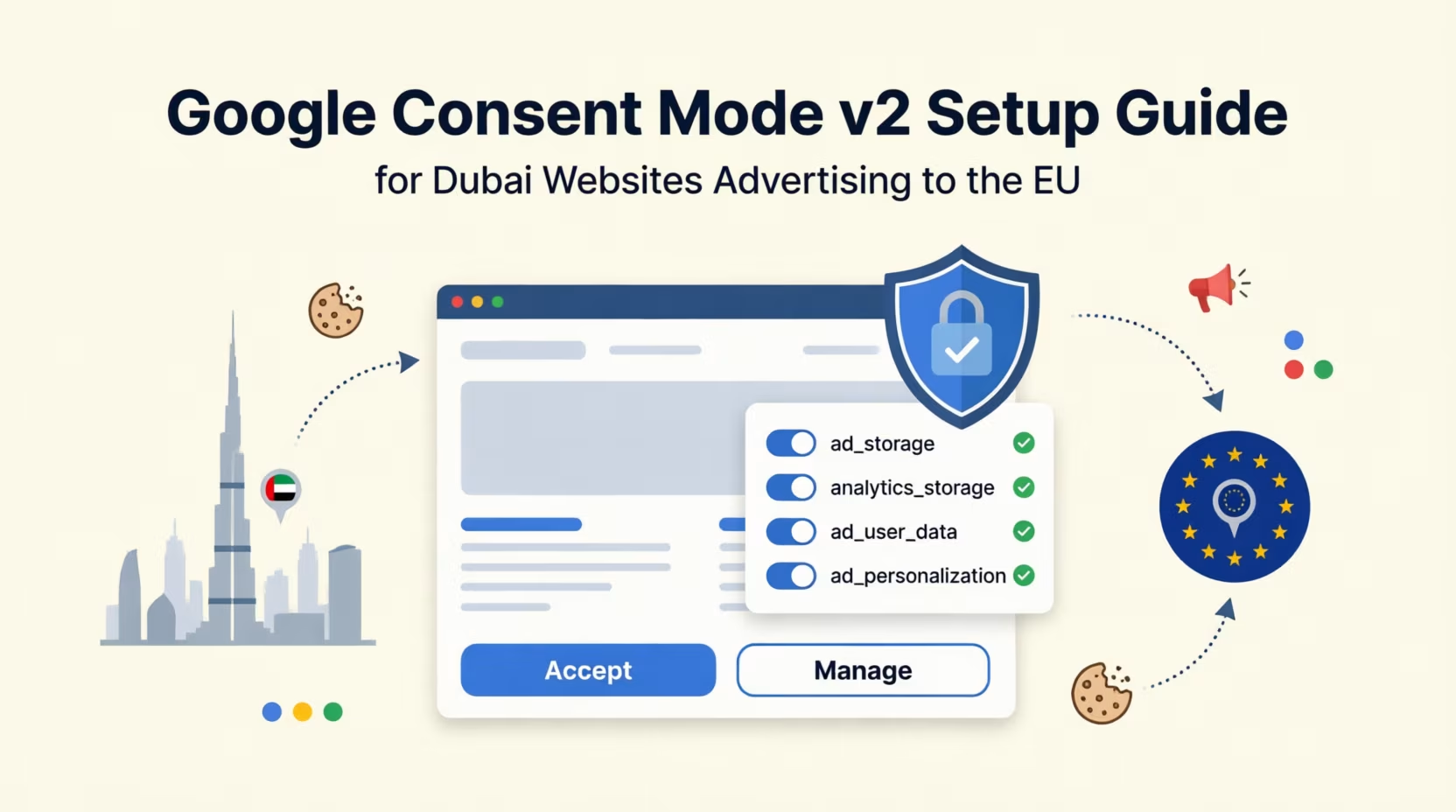
This guide is for Dubai businesses that use Google Ads or Google Analytics to reach people in the European Economic Area, the UK or Switzerland: tourism companies, e-commerce stores that ship abroad, and B2B firms selling into Europe. If your audience is only in the UAE, Google's consent requirement does not apply to you as a platform rule, and my UAE PDPL guide for marketers is the more relevant read. Most of the setup below is still worth doing, because a working consent step helps on both sides.
I have rewritten this post since it was first published. The first version stayed at the level of "check your consent platform's documentation". This one gives you the steps, the settings to look at in Tag Manager, the difference between the two implementation types, and how to test the result. Every Google claim links to the page it comes from.
Google Consent Mode v2: What It Is and How to Set It Up
What Google Requires, and Where
Google's EU user consent policy covers the European Economic Area, the UK and Switzerland. It expects you to obtain legally valid consent for cookies or local storage where that is required, and consent for collecting, sharing and using personal data to personalise ads. It also expects you to keep records of the consent given and to explain clearly how to withdraw it. Note the UK and Switzerland: the first version of this post named only the EEA.
Consent Mode v2 is the technical half. Google's update for EEA traffic describes two parameters added to the original pair. ad_storage and analytics_storage control whether advertising and analytics cookies can be set. The new ad_user_data covers sending user data to Google for advertising purposes, and ad_personalization covers personalised advertising. The page lists what advertisers need to do: implement Consent Mode v2 or use a certified consent management platform, collect granular consent from EEA users, and pass those choices to Google. If you have no consent infrastructure at all, you need a consent banner and tags that run through gtag.js or Google Tag Manager.
Google also says what you lose if the signals are not passed: personalised advertising, remarketing and full measurement. That is more specific than the version of this post that said features "stop working entirely", so I have corrected it. I could not find a deadline on that page, so I do not give one.
One thing worth being clear about: Consent Mode is not a consent banner. It carries the visitor's choice to Google's tags. Your banner, provided by a consent management platform (CMP), is what asks the visitor. And whether the GDPR or other European rules apply to your business is a legal question that this Google policy does not answer, so take advice on that part.
Basic or Advanced: The Choice That Matters Most
Google describes two ways to implement it. In the basic implementation, tags stay blocked until the visitor interacts with the banner. Nothing is sent to Google beforehand, not even the consent status. In the advanced implementation, tags load with every consent type set to denied unless you configure otherwise. When consent is withheld, they send cookieless pings that carry the consent state but store no cookies. Google says advanced is what enables advertiser-specific conversion modelling.
Google's own EEA page warns that blocking tags until consent can mean a loss of data. That is the trade-off. Advanced recovers more, and it also means Google receives pings before the visitor has agreed to anything. Whether that is acceptable under your legal reading is a question for your lawyer, not something I can settle here.
Modelling has a volume condition, and it is easy to overlook. Google's page on consent mode modelling requires a correct implementation and 700 ad clicks over 7 days, per country and domain grouping. A Dubai business with a modest European budget may never reach that, in which case the extra recovery that advanced promises does not arrive. The same page adds limits worth knowing: Google cannot observe whether an unconsented conversion had an ad interaction, and modelled conversions are never used to build remarketing lists or profile individuals.
My view, as an opinion: unless your EEA volume clears that threshold and your lawyer is comfortable with cookieless pings, start with basic. It is the more conservative choice, and you lose little modelling you were not going to get anyway.
Setting It Up in Google Tag Manager
1. Choose a CMP that supports Consent Mode. The Tag Manager consent documentation says Google works with more than 30 CMPs that have built integrations. Confirm that yours sends all four signals. An older configuration may send only the original two.
2. Fire the CMP on the right trigger. Every web container has a "Consent Initialization - All Pages" trigger. It exists so consent settings are established before other triggers fire, and it is the trigger to use for the tag that sets or updates consent. Google warns against using custom HTML for the consent update. Use the CMP's template tag or the consent template API instead.
3. Set the defaults. Set all four consent types to denied before anything else runs for the regions in scope. Consent Mode supports region-specific defaults by ISO 3166-2 code, so you can treat the EEA, UK and Switzerland differently from other countries. My own preference is to keep one consent-first default everywhere, because it is simpler to maintain and matches the cautious reading I describe in the PDPL guide. That is a business decision with a cost in data, so make it deliberately.
4. Review each tag's consent settings. Open Consent Overview in Tag Manager. Google's tags have built-in consent checks and adjust themselves. For tags without built-in checks, such as many third-party pixels, each tag can be set to "Require additional consent for tag to fire" with the consent types that must be granted. Anything marked "Consent Not Configured" in the overview needs a decision.
5. Connect the update. When the visitor accepts, rejects or changes their choice, the CMP must send an update. A banner without an update mechanism leaves the defaults in place forever.
How to Test It
Google's verification guide uses Tag Assistant. Enter your site address, open the Consent tab and select the earliest Consent event. Check that ad_storage, ad_personalization, ad_user_data and analytics_storage are all present and that the "On-page Default" column reads Denied. Then accept everything on the banner, select the latest Consent event, and check that "On-page Update" reads Granted. I would repeat the test for reject all and for any partial choices your banner offers, since a banner can work for "accept all" and fail on the others.
Google's debugging guide lists two common faults. If a tag fires before the default is set, Tag Assistant reports an error, and the fix is to move the consent commands above any tag code. If the visitor's choice never reaches Google, the banner has no update mechanism. For region-specific defaults, it suggests testing with a location override in Chrome's developer tools, so you can see what a visitor from the EEA gets compared with one from the UAE.
After launch, check the conversion diagnostics in Google Ads. It should show "Consent mode is implemented", or "implemented and modeling is active" once you have enough volume. Google says the status can take 48 hours to appear and up to two weeks in some cases, so do not panic on day one.
What Happens If You Skip It
According to Google, if consent signals are not passed for EEA traffic, you lose access to personalised advertising, remarketing and full measurement for those visitors. In practice, EEA audiences stop building, and conversions from those users are reported less completely. Modelling can narrow the measurement gap, but only above the volume threshold, and it never rebuilds remarketing lists. If Europe is a meaningful share of your revenue, this is worth fixing properly rather than working around.
What to Do This Week
1. Check whether you need it. Open Google Ads and GA4 and look at your locations. If you reach people in the EEA, UK or Switzerland, you do.
2. Decide basic or advanced, with your lawyer if the pings question worries you. Check your EEA click volume against Google's 700 clicks in 7 days threshold before counting on modelling.
3. Confirm your CMP sends all four signals and fires on the Consent Initialization trigger.
4. Open Consent Overview and fix every tag marked "Consent Not Configured".
5. Test in Tag Assistant for accept, reject and partial choices, then look at Google Ads diagnostics after a few days.
Frequently Asked Questions
Next Step
If you are not sure your consent setup is doing what it should for EEA, UK or Swiss traffic, my Google Ads management service includes a tracking check that covers the consent signals, tag settings and conversion diagnostics. Send me your site address and where your visitors come from.
Related reading:

Written by Amir Sibaee
Google Ads & Media Buying Specialist · SEO/SEM · Marketing Automation ·...
More about Amir →Related Reading
-
 UTM 101: How to Track Every Click in Dubai (Templates + GA4 Tips)
-
 Dubai Digital Marketing Budget Allocation: Where Smart Businesses Invest
-
 From 83,000 Conversions to AED 0.95 CPL: The Google Ads Playbook Behind the Ezee Hire Case Study
-
 UAE PDPL Compliance for Marketers: What Your Tracking Pixels Actually Need in 2026
Want this done for your business? See my Search Engine Marketing services in Dubai.
Latest Posts
-
 UserTools for cPanel: A Free, Open-Source Plugin That Lets Users Fix Permissions and SSH Access Without Root
-
 OpenAI Ads Are Now Open in the UAE: What ChatGPT Advertising Costs, Who Qualifies and How to Start
-
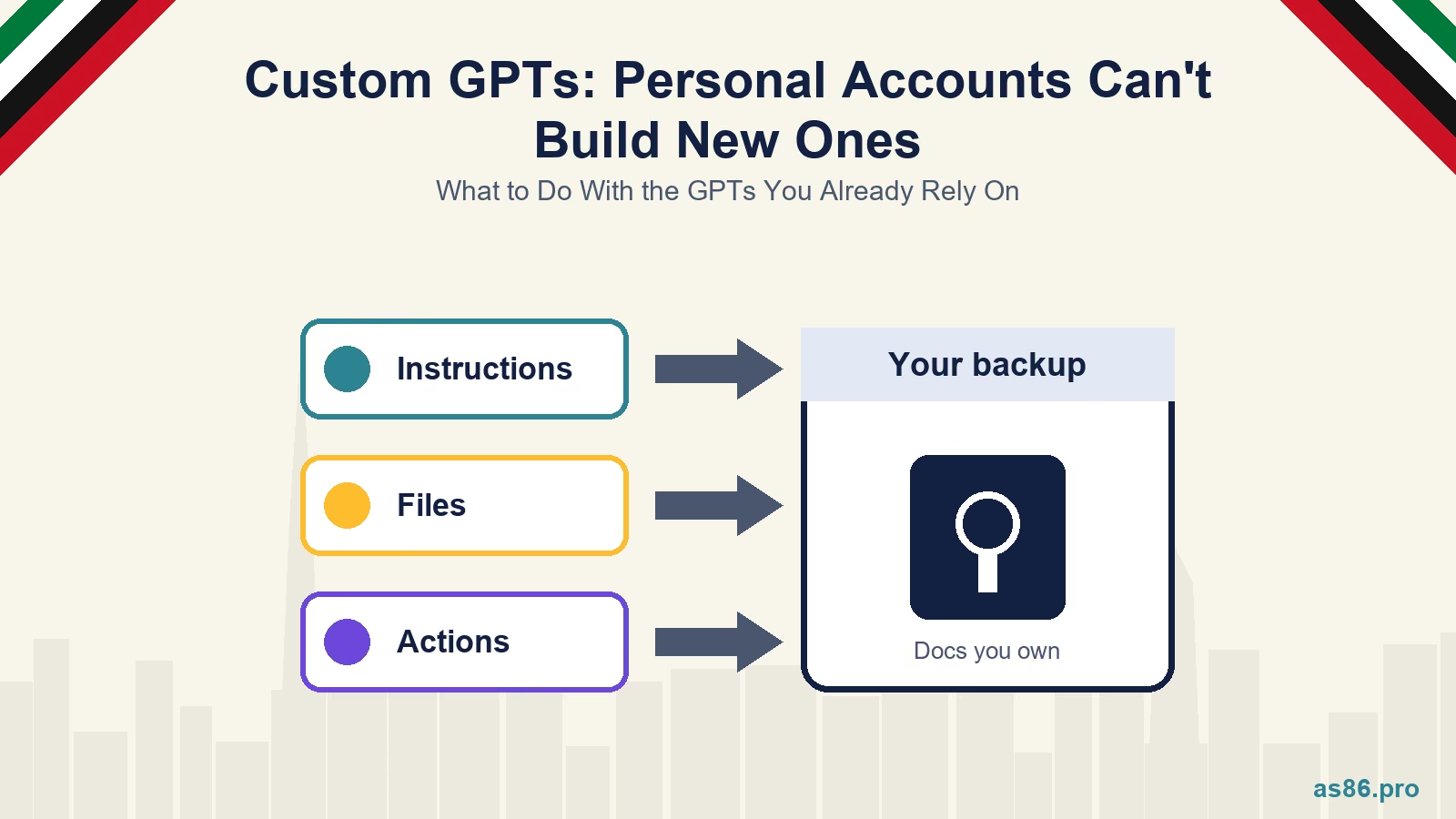 ChatGPT Custom GPTs: Personal Accounts Can't Build New Ones. What to Do With the GPTs You Already Rely On
-
 WhatsApp Service Messages Become Chargeable on 1 October 2026: What UAE Businesses Need to Do Now
-
 Canva AI Explained: A Practical Guide for Dubai Small Business Owners Who Aren't Designers
Get a Growth Plan, Not Just a Quote
Seeking expert digital marketing, web design, or graphic design in the UAE? Let's discuss your project and deliver tailored solutions for measurable growth.
Book Free Consultation