
UTM 101: How to Track Every Click in Dubai (Templates + GA4 Tips)
If your reports still say “(direct) / (none)”, you’re flying blind. UTM parameters turn anonymous clicks into clear, attributed traffic you can trust in GA4, ad platforms, and your CRM. This Dubai-tuned primer shows you what UTMs are, how to name them, and exact templates for ads, social, email, QR codes, and WhatsApp, so every campaign tells you what’s working.
1) What is a UTM? (and why you need it)
A UTM is a tag you add to a URL so analytics tools know where a visitor came from and which campaign drove the click. Without UTMs, traffic gets lumped into “direct” or misattributed to the wrong channel, making budget calls guesswork.
UTMs unlock:
-
Clean channel attribution in GA4 (source/medium/campaign).
-
Creative-level learnings (ad vs ad, post vs post).
-
Smarter budget shifts (scale what actually converts).
-
Reliable CRM matching for lead quality and revenue.
2) The 5 UTM parameters (use them like this)
-
utm_source → Where the click came from
Examples:google,meta,tiktok,newsletter,partner-x -
utm_medium → The channel type
Examples:cpc,social,email,referral,qr -
utm_campaign → The initiative or promo name
Examples:sept-sale,cleaning-dubai,black-friday-2025 -
utm_content → The creative or placement label (optional but powerful)
Examples:video-1,image-a,reels,sidebar,cta-top -
utm_term → The paid search keyword (use for search only)
Examples:home+cleaning+dubai,deep+cleaning
Rule of thumb: you always need
source,medium,campaign. Addcontentfor A/B creative tests andtermfor search.
3) Naming conventions that keep data clean
-
lowercase everything →
google / cpc / sept-sale(notGoogle / CPC / Sept_Sale) -
kebab-case for multi-word →
home-cleaning-dubai -
no spaces, no emojis
-
one source per platform →
google,meta,tiktok,linkedin,email -
one medium per channel →
cpc(all paid search/display),social(organic),email,referral,qr -
campaign = business concept, not ad group name →
summer-sale-aed,clinic-open-day -
content = creative label or placement →
video-30s,image-before-after,story-frame1
4) Copy-paste templates (swap your slug + labels)
Google Ads (Search/Display) landing link
https://as86.pro/services/seo-consultant-dubai?utm_source=google&utm_medium=cpc&utm_campaign=seo-dubai&utm_content=rsa-1
Meta Ads (Facebook/Instagram) landing link
https://as86.pro/services/ppc-dubai?utm_source=meta&utm_medium=cpc&utm_campaign=ppc-dubai-sept&utm_content=video-1
Organic social post (LinkedIn)
https://as86.pro/blog/utm-101?utm_source=linkedin&utm_medium=social&utm_campaign=utm-guide-launch&utm_content=post-1
Email newsletter (September)
https://as86.pro/?utm_source=newsletter&utm_medium=email&utm_campaign=sept-2025-update&utm_content=hero-cta
QR code on flyer or brochure
https://as86.pro/contact?utm_source=offline&utm_medium=qr&utm_campaign=clinic-open-day&utm_content=flyer-a
Influencer/partner link
https://as86.pro/?utm_source=partner-olivia&utm_medium=referral&utm_campaign=sept-collab&utm_content=story-swipe
WhatsApp bio/profile link (send to your site first, not wa.me)
https://as86.pro/contact?utm_source=whatsapp&utm_medium=social&utm_campaign=profile-link&utm_content=cta-button
5) Building UTMs the fast, safe way
-
Start from your clean URL (no existing params).
-
Append with
?utm_source=...&utm_medium=...&utm_campaign=... -
If a URL already has
?, join with&(not another?). -
Shorten only after tagging (Bitly, etc.).
-
Keep a master sheet with approved names so the team doesn’t invent variants like
fb,facebook,metaall at once.
A note on GCLID/fbclid: Google Ads and Meta Ads append their own auto-tagging parameters (gclid, fbclid) to clicks regardless of whether you add UTMs. These aren’t a replacement for UTMs: gclid powers Google Ads’ own conversion tracking and Enhanced Conversions, while UTMs power GA4/CRM attribution. Run both together; they don’t conflict, and dropping either one blinds a different part of your reporting stack.
6) GA4: how UTMs show up
-
Default Channel Grouping uses
source+mediumto bucket traffic. If you misuse mediums (e.g.,paid-socialvscpc), you’ll fragment channels. -
Always check Real-time → Traffic source after launching to confirm your UTMs are flowing as expected.
-
Create Exploration reports by
session source / medium / campaign / contentto compare creatives and placements.
7) Common mistakes (and how to fix them)
Problem: Everything shows as (direct) / (none)
Fix: You forgot UTMs or used a redirect that strips them. Link directly to the final landing page with UTMs attached.
Problem: Paid social shows as “referral”
Fix: You used utm_medium=social on ads. Use utm_medium=cpc for all paid media.
Problem: Do UTMs hurt SEO?
Fix: No, for external campaigns. They don’t replace your canonical. Avoid UTMs on internal links (menu, buttons) or you’ll break session attribution.
Problem: Team uses random names
Fix: Publish a naming policy and whitelist values (sources, mediums, campaign prefixes).
Problem: Multiple UTMs on the same visitor path
Fix: Link to a single landing page per campaign when possible; don’t bounce users through UTMed pages to another UTMed page.
8) Governance in one page (steal this)
-
Sources:
google,meta,tiktok,linkedin,newsletter,partner-x,whatsapp,offline -
Mediums:
cpc(paid),social(organic),email,referral,qr -
Campaigns:
{{offer-or-theme}}-{{month-or-season}}-{{year}}→summer-sale-2025 -
Content: creative or placement →
video-1,image-a,story-1,cta-top -
Search term (term): only for paid search →
home+cleaning+dubai -
Storage: one shared sheet; every live link recorded with owner & date
-
QA: test in GA4 real-time before launch; click from each surface once
9) Quick checklist (print this)
-
Source/medium/campaign set and standardized
-
Content added for creative test
-
No spaces/caps; kebab-case names
-
Final URL confirmed (no extra
?) -
Link shortened (if public) after tagging
-
GA4 real-time shows correct source/medium
-
Sheet updated with link + owner + date
FAQs
utm_source=offline&utm_medium=qr and a short URL so people can type it if needed.utm_campaign (e.g., sept-2025-promo) or in your sheet only, just be consistent.
Written by Amir Sibaee
Google Ads & Media Buying Specialist · SEO/SEM · Marketing Automation ·...
More about Amir →Related Reading
-
 Dubai Digital Marketing Budget Allocation: Where Smart Businesses Invest
-
 How to Identify and Target the Right Audience for Your Digital Campaigns in Dubai
-
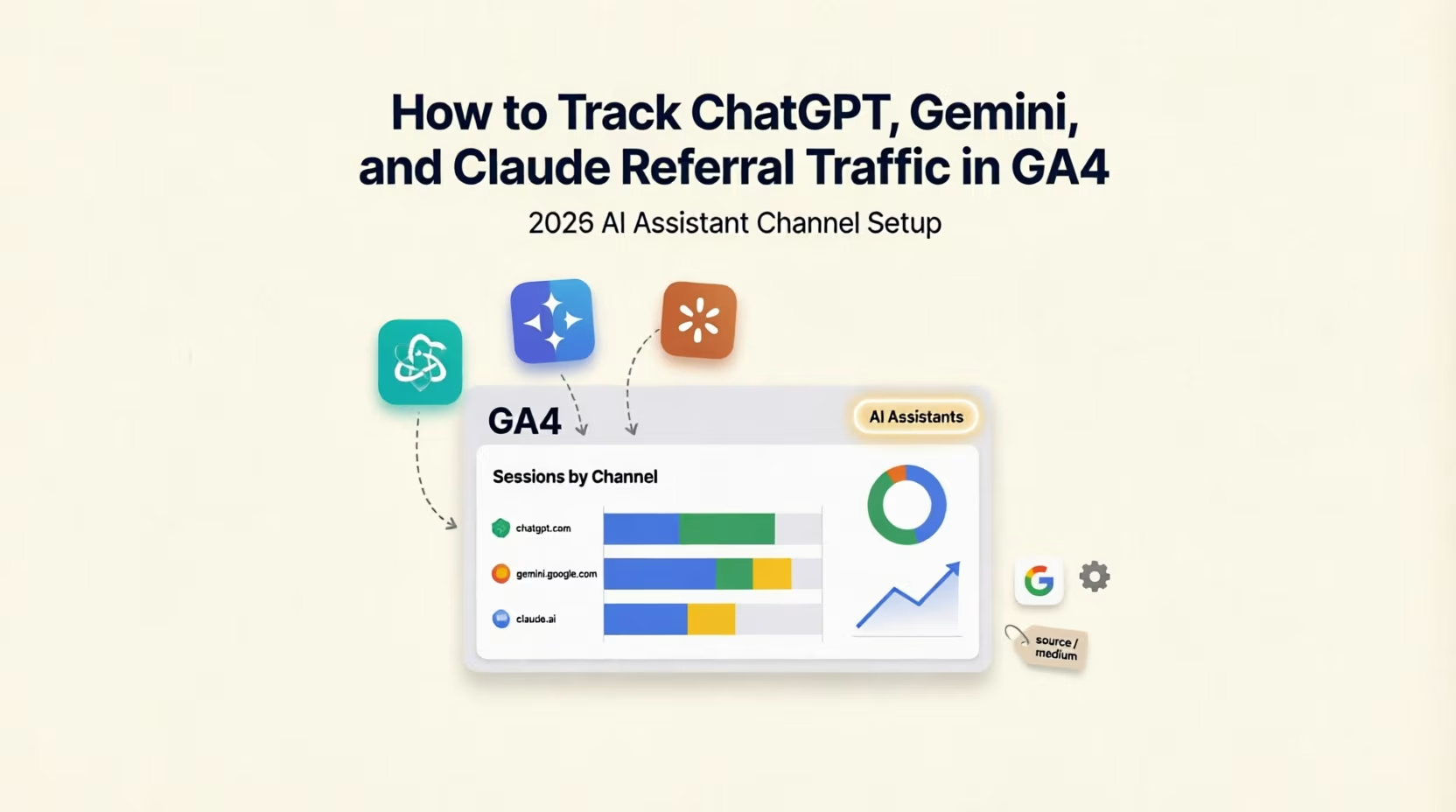 How to Track ChatGPT, Gemini, and Claude Referral Traffic in GA4 (2026 AI Assistant Channel Setup)
-
 Google Tag Manager 101: Tracking Your Website’s Most Important Events
Want this done for your business? See my Search Engine Marketing services in Dubai.
Latest Posts
-
 UserTools for cPanel: A Free, Open-Source Plugin That Lets Users Fix Permissions and SSH Access Without Root
-
 OpenAI Ads Are Now Open in the UAE: What ChatGPT Advertising Costs, Who Qualifies and How to Start
-
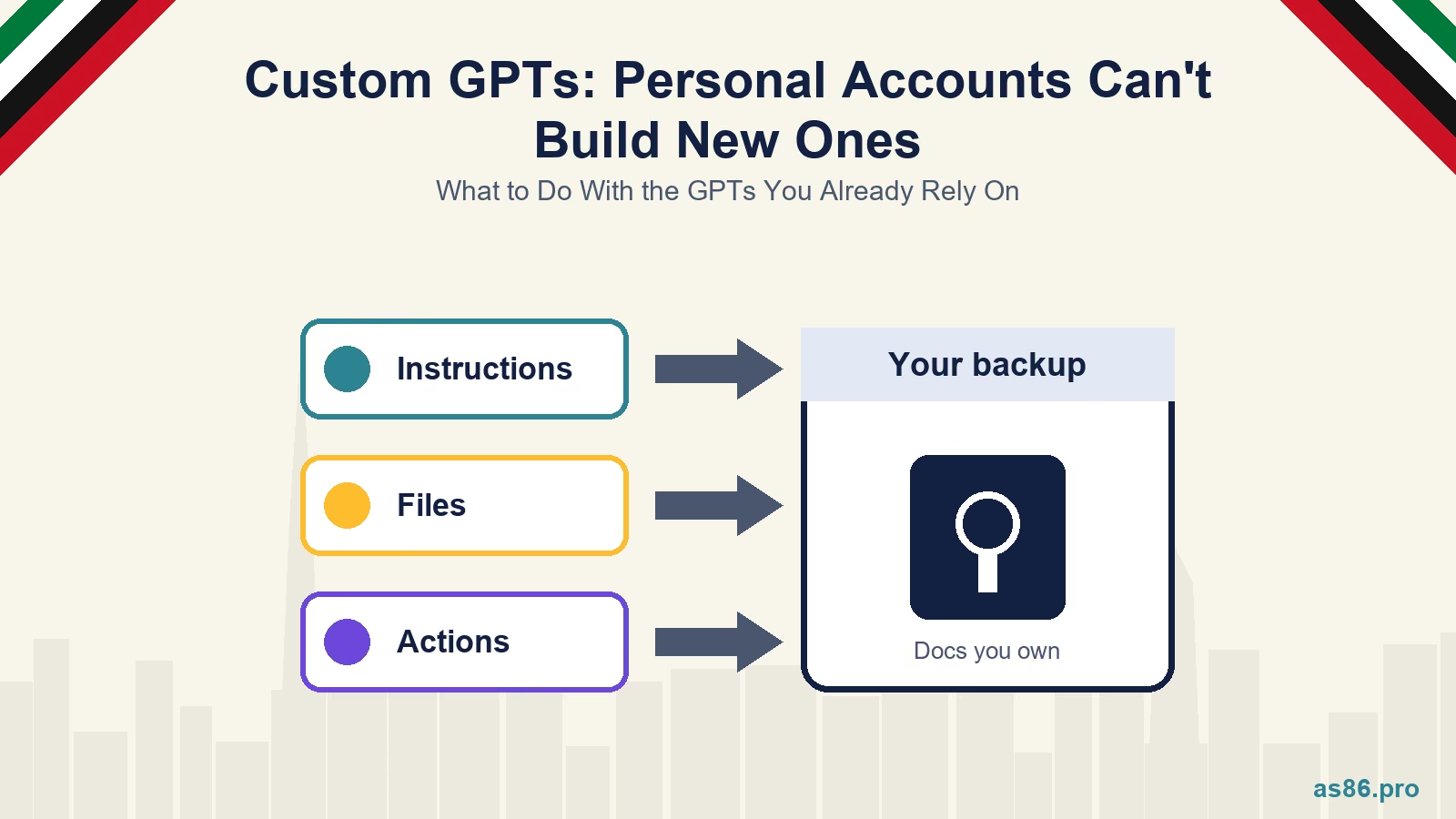 ChatGPT Custom GPTs: Personal Accounts Can't Build New Ones. What to Do With the GPTs You Already Rely On
-
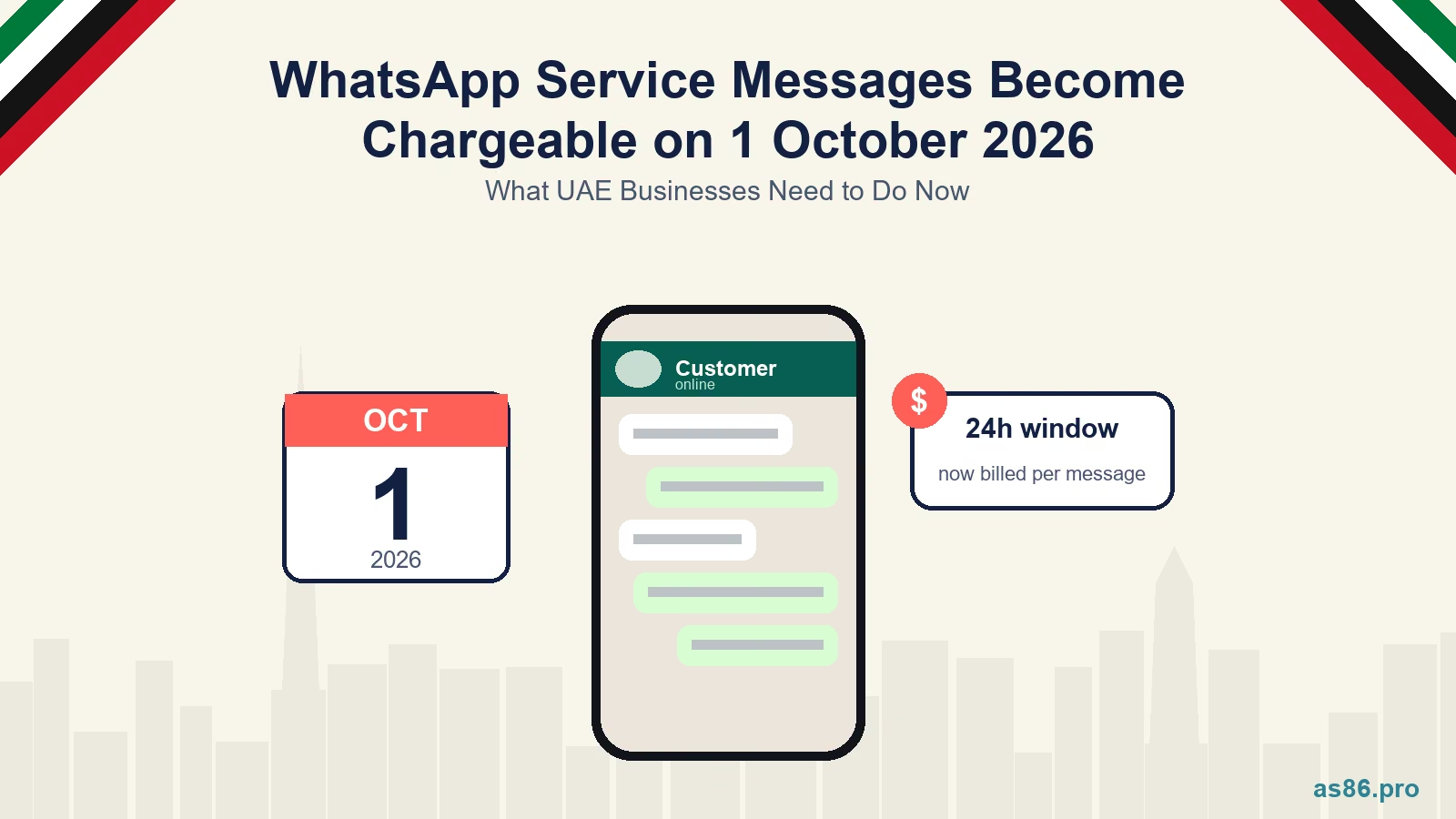 WhatsApp Service Messages Become Chargeable on 1 October 2026: What UAE Businesses Need to Do Now
-
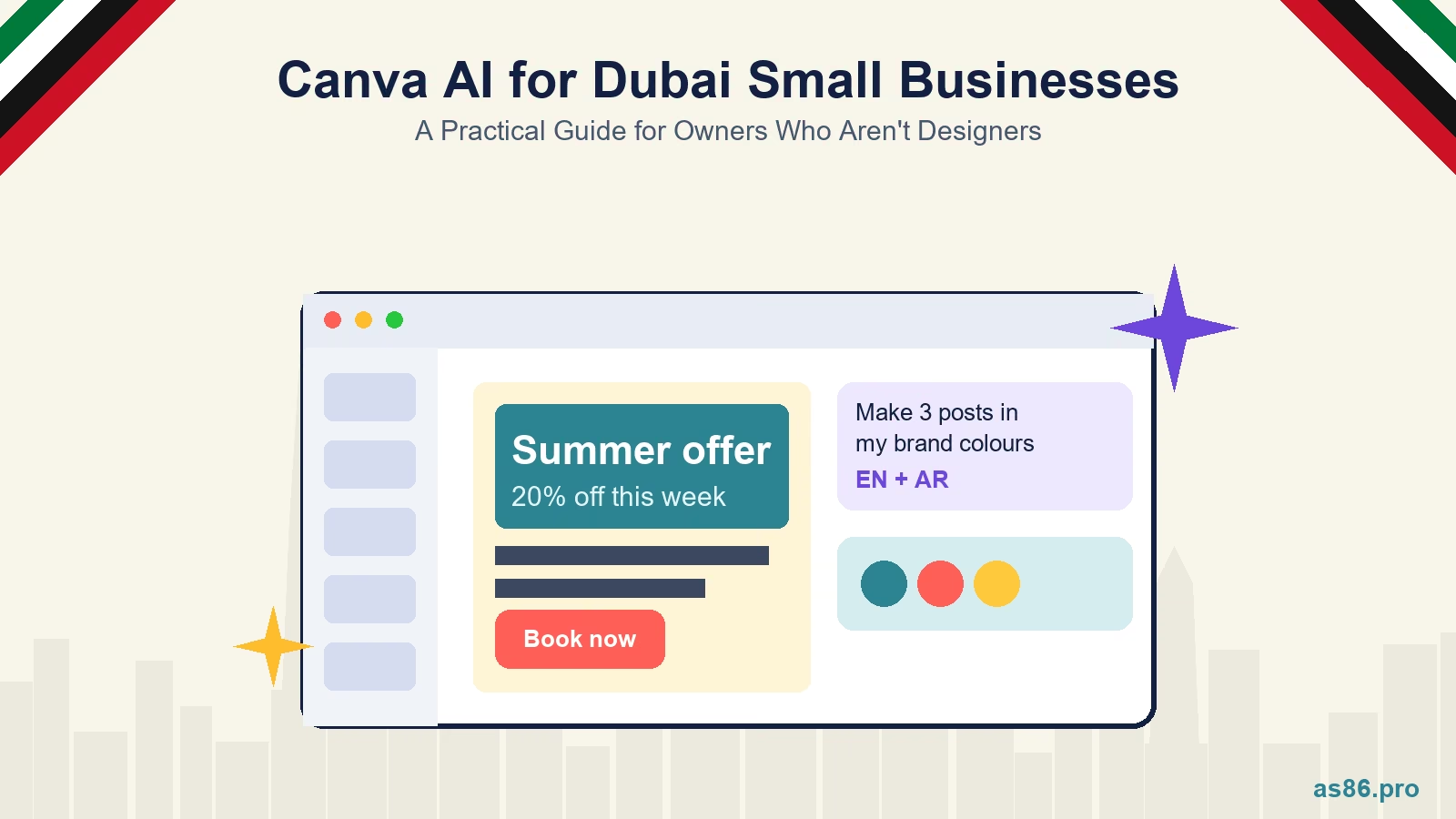 Canva AI Explained: A Practical Guide for Dubai Small Business Owners Who Aren't Designers
Get a Growth Plan, Not Just a Quote
Seeking expert digital marketing, web design, or graphic design in the UAE? Let's discuss your project and deliver tailored solutions for measurable growth.
Book Free Consultation