
UserTools for Webuzo: A Free Plugin That Lets Users Fix Permissions, Exposed Files and SSH Access Without Root
Webuzo is a lighter, cheaper control panel than cPanel, and plenty of VPS owners choose it for exactly that reason. It has the same gap cPanel has, though. When a site starts returning 403 errors because a folder has the wrong mode, when a database dump is sitting in public_html where anyone can download it, or when a user wants SSH switched off, the fix needs root. So it waits for whoever holds the root password.
A few weeks ago I released UserTools for cPanel, a free plugin that hands the safe part of that work to the account owner. UserTools for Webuzo is the port. It is free and open source (Apache 2.0), version 0.1.0 is out as a public beta on GitHub, and it is not a straight copy: it has ten tools instead of five, because Webuzo needed a few the cPanel version did not. This post covers what each tool does, what is different about Webuzo, the security rules, how to install it, and what I have and have not tested.
Who this is for: anyone who runs a Webuzo server for their own sites or for clients. If your site is on a shared plan, you cannot install server plugins yourself, but you can send this to your host.
UserTools for Webuzo: Self-Service Fixes Without Handing Out Root
Why a Separate Webuzo Version
The idea is the same as on cPanel: the user gets a button, never a privilege. Everything that reads or writes a user's files runs as that user, so the Linux kernel's own permission checks are the boundary. What changed is everything underneath. Webuzo has its own plugin system, its own feature sets, its own cron store, its own shell manager, and it can run two different web server setups. Before writing any code I measured how Webuzo actually behaves on a test server with throwaway accounts, and the project publishes those measurements in its docs/webuzo-facts.md file. Several of them changed the design, and a few are worth knowing even if you never install the plugin (more on those below).
The Ten Tools
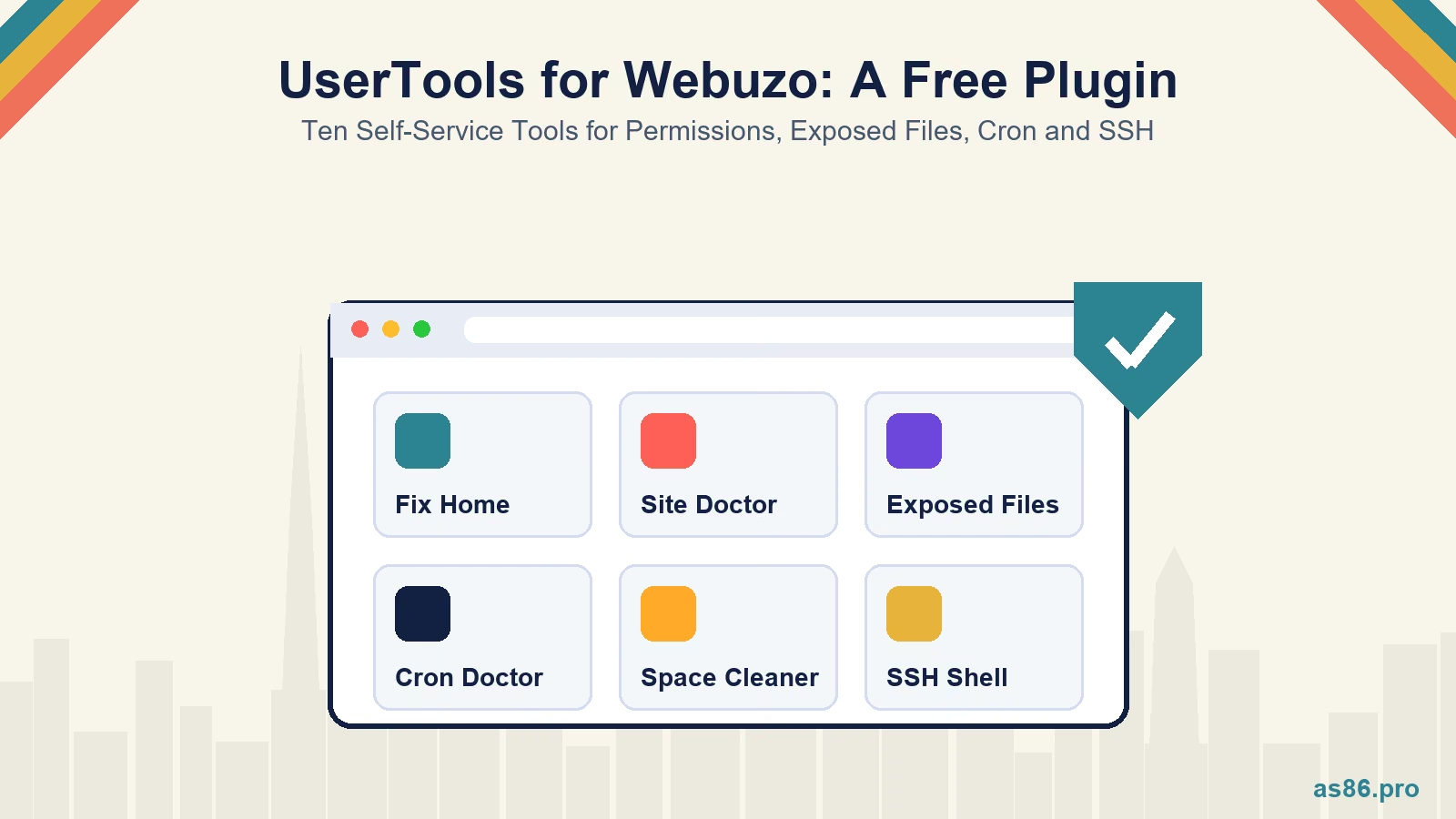
They appear in their own UserTools category on the Webuzo home page, one tile per tool.
Fix Home Permissions. Checks the key paths in the home folder against the modes Webuzo needs and fixes them, with undo. A fresh Webuzo home is not laid out like a cPanel one (there is no etc, logs or public_ftp, and public_html is 0750 with the nobody group), so the checks were rewritten for Webuzo rather than carried over.
Ownership Report. A read-only list of files the account does not own, with a CSV download the user can send to the host. It cannot fix ownership, on purpose: that needs root and file names together, which is the one combination the plugin refuses to accept.
Bulk Permissions. Previews, then sets files to 644 and folders to 755 across the home folder, public_html or one website's folder. The real run is a background job with progress, cancel and undo.
Space Cleaner. Previews, then reclaims space from large error logs, core dumps, framework and WordPress caches and package manager caches. Nothing is deleted straight away: files go to a trash with restore, and the admin sets how many days the trash keeps them.
Site Doctor. Each website at a glance: homepage status and redirects, folders, .htaccess mistakes for the web server actually in use, the certificate and recent errors. It can fix two common problems with undo: a served xmlrpc.php, and old cPanel-style rules left over from a migration.
Exposed Files. Finds files that should never be public, such as database dumps, .env copies, .git folders and archives. It then asks the web server whether each one is really being served, and lets the user either move it to quarantine (with restore) or block it with a marked .htaccess rule that is checked live after it is written.
Cron Doctor. Flags problems in the account's own cron jobs: every-minute schedules, output that is never redirected, scripts that no longer exist and duplicates. It has one fix (silence one line's output), with undo, and it works through Webuzo's own cron store.
App Helper. For Laravel apps and similar: finds them, checks whether .env is ready, runs whitelisted maintenance commands, toggles maintenance mode, repairs the storage link, shows logs, manages the scheduler cron, locks the app root to public/ with .htaccess (undo), and runs Composer and npm as background jobs.
Manage Shell. Lets the user turn SSH access off, jailed or normal, limited to the modes and accounts the admin allows, with a read-back and a rollback if the result is not what was asked for.
My Activity. Every change any tool made, newest first, with Undo wherever one exists.
What Is Different About Webuzo
These are the Webuzo behaviours that shaped the plugin. Each one comes from the project's measurements on Webuzo 4.9.1 and AlmaLinux 10.2, not from memory.
Two web server setups, two sets of rules. Webuzo can run nginx in front of Apache, or OpenLiteSpeed. UserTools detects which one is live from the running services, never from the request, and writes .htaccess rules suited to that stack. On anything else, every tool that would write .htaccess refuses with a message, and the read-only tools keep working.
OpenLiteSpeed reads .htaccess once. It keeps a folder's .htaccess until the web server restarts, so an edit (even deleting the file) does nothing until a graceful reload. UserTools requests that reload itself, limited to one a minute across the server and five per 15 minutes per account, and then checks that the rule took effect. nginx plus Apache reads .htaccess on every request, so no reload is needed there.
nginx serves /.well-known/ itself. On the nginx plus Apache setup, requests under /.well-known/ never reach Apache, so an .htaccess block there has no effect. Exposed Files therefore offers only Move for files in that folder, never Block.
Crons added outside Webuzo disappear. Webuzo keeps each user's crons in its own file and regenerates the system crontab from it. A line added with the crontab command is not shown in Webuzo's cron page and is removed the next time Webuzo rewrites the file. That is why Cron Doctor edits through Webuzo's own cron store.
No feature set means every feature. In Webuzo, an account with no feature set assigned is allowed every feature, including a plugin's. And Webuzo hides a plugin's icon when the feature is off but does not block the page itself. UserTools checks the feature on every request and starts with every tool switched off, so installing it offers nothing until you choose.
php_value in .htaccess breaks sites on PHP-FPM. On the nginx plus Apache setup PHP runs through FPM, so a php_value line in .htaccess returns HTTP 500. Use .user.ini instead, which PHP-FPM reads.
The Security Rules It Is Built Around
No root file operations for users. Every read and write in a user's home runs as that account, with no extra privileges and an empty environment. There is no chown anywhere in the code.
One way in. Webuzo runs the plugin's pages as its own system user. Those pages talk to a small root helper over a local socket that accepts only that user. The account name comes from Webuzo's session, never from the request, and the helper checks it again against Webuzo's records.
Privileged operations take fixed values only. None of them accepts a path or a file name. Changing the shell, for example, accepts only disabled, normal or jailed, runs Webuzo's own shell manager with those values, reads the result back and rolls back on a mismatch. Each privileged action is rate limited and written to an audit log.
Its own request protection. Every change carries a token bound to the user's session, created by the plugin itself rather than relying on the panel.
Signed releases. Every release is built by GitHub Actions and signed with Sigstore. That proves the download came from the repository's own release workflow at the tagged commit, not just that it arrived intact. The Update now button and automatic updates install only a release whose signature checks out, and automatic updates never cross a major version.
The code has not had an independent security review yet, and the README says so. Reports go privately through GitHub's security advisories on the repository. For the website side of the same server, my WordPress security checklist covers what the plugin does not.
How to Install It
You need root on a server running Webuzo 4.9 or newer with nginx plus Apache or OpenLiteSpeed, a systemd Linux with Python 3.9 or newer, and a few standard tools (setpriv, systemd-run, flock, curl). Your users need nothing extra. Install cosign as well if you want verified downloads and updates.
1. Run the installer as root. This line downloads the pinned release, verifies it and installs it:
curl -fsSL https://github.com/amirs86/usertools-for-webuzo/releases/download/v0.1.0/bootstrap-install.sh \
    | bash -s -- --repo amirs86/usertools-for-webuzo --version v0.1.0 --require-signature --yes
With --require-signature it refuses anything it cannot verify. Without it, the script falls back to a SHA-256 check and prints a warning. The installer checks the server first and prints a table, tests the plugin with Webuzo's own PHP before changing anything, never overwrites your settings, and prints a verification table at the end. ./install.sh --dry-run shows what it would do without doing it.
2. Switch on the tools you want. In the Webuzo admin panel, open UserTools. Every tool starts off. The same page holds the shell modes, limits, update settings and the latest audit log lines.
3. Limit tools by plan. In Plans and Features, each tool has its own feature key (for example usertools_fix_home or usertools_shell). Remember the trap above: accounts with no feature set get every tool that is switched on.
4. Test on a throwaway account before you enable anything widely.
Uninstalling keeps your settings and the audit log, so a reinstall picks up where you left off; --purge removes everything. Files in users' homes (undo journals, trash, activity) are never touched by the uninstaller.
What I Tested, and What I Did Not
| Setup | Status |
|---|---|
| Webuzo 4.9.1 on AlmaLinux 10.2, nginx plus Apache | Tested |
| Webuzo 4.9.1 on AlmaLinux 10.2, OpenLiteSpeed | Tested |
| Install, upgrade, rollback, uninstall, purge and reinstall | Tested |
| Signed install and update from the GitHub release | Tested; a tampered tarball is refused |
| Pure nginx with PHP-FPM | Not supported for the tools that write .htaccess |
For App Helper, Composer and Node.js are not installed on Webuzo by default. The admin points the plugin at fixed, root-owned paths for them, and the jobs were tested with real Composer and npm installs. If an npm package needs to compile native code, the account also needs compiler access, which Webuzo controls separately.
This is a first beta. Two web server setups on one test server are not every server, so if something breaks on yours, open an issue on GitHub with your Webuzo version, web server and what you saw.
cPanel or Webuzo Version?
Use the one that matches your panel; they cannot be swapped. The cPanel version runs in WHM and cPanel with the Jupiter theme and has five tools. The Webuzo version adds Space Cleaner, Site Doctor, Exposed Files, Cron Doctor and My Activity. Both share the same rules: tools off by default, user work done as the user, fixed values for anything privileged, and signed updates.
A good fit: agencies and businesses running their own Webuzo VPS for several sites, hosts who want fewer routine tickets, and developers deploying Laravel apps on Webuzo.
Not a fit: shared hosting customers, pure nginx servers that rely on .htaccess fixes, and anyone who wants users to have root-level control. If you are still deciding what kind of hosting you need, my post on what managed WordPress hosting actually means is a better starting point.
What to Do This Week
- Check which web server your Webuzo server runs: nginx plus Apache, OpenLiteSpeed or pure nginx.
- Make sure every account has a feature set, so new features are not offered to everyone by default.
- Look for crons added with the
crontabcommand; Webuzo will remove them on its next rewrite. - Download the release on a low-risk server, run
./install.sh --dry-runand read the plan. - Install it, switch on one or two tools, and try them on a throwaway account.
- While you are at it, set up the checks in my uptime and speed monitoring checklist.
Frequently Asked Questions
.htaccess, because OpenLiteSpeed does not notice the change until then, and it limits how often that can happen.Next Step
The plugin is free, and you are welcome to install it yourself from GitHub. If you would rather have someone set it up, harden the server around it and keep it updated, that is part of my web hosting and server management service. Tell me your Webuzo setup and the requests your users keep raising. You can also reach me on WhatsApp.
Related reading:

Written by Amir Sibaee
Google Ads & Media Buying Specialist · SEO/SEM · Marketing Automation ·...
More about Amir →Related Reading
-
 WordPress Security for Dubai Businesses: A Practical 2026 Checklist
-
 How to Choose a WordPress Developer in Dubai: The 2026 Buyer's Guide for UAE Businesses
-
 UserTools for cPanel: A Free, Open-Source Plugin That Lets Users Fix Permissions and SSH Access Without Root
-
 Managed WordPress Hosting in Dubai: What 'Managed' Actually Means in 2026
Want this done for your business? See my Web Design services in Dubai.
Latest Posts
-
 How to Choose a Social Media Agency in Dubai (And When You Don't Need One)
-
 Ramadan Ad Creative That Converts in the UAE: Examples, Timing and Mistakes to Avoid
-
 Logo Design in Dubai: What a Professional Brand Mark Costs and Why It Matters
-
 Building a Brand in Dubai: The 2027 Guide for UAE Businesses
-
 Ramadan 2027 Marketing Strategy for Dubai Businesses: The Complete Playbook
Get a Growth Plan, Not Just a Quote
Seeking expert digital marketing, web design, or graphic design in the UAE? Let's discuss your project and deliver tailored solutions for measurable growth.
Book Free Consultation