
Ecommerce SEO in Dubai: How UAE Online Stores Rank and Sell More
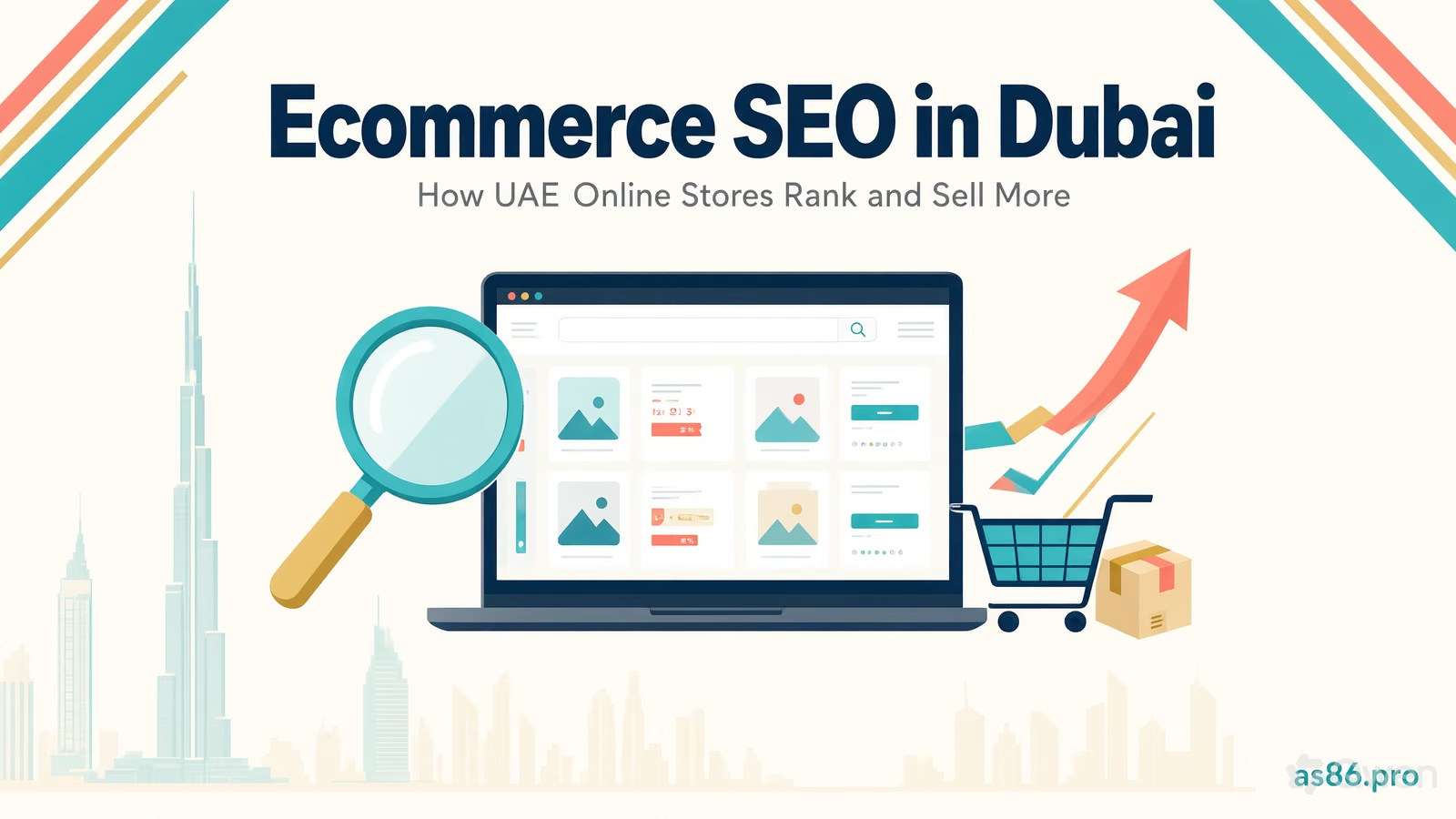
Most UAE online stores are built to look good on launch day, then left to find customers through Instagram and paid ads. That works until the ad costs rise. A store that also ranks on Google for the products it sells has a second engine that keeps running when the ad budget pauses, and in a market where shoppers compare prices across Amazon.ae, Noon and a dozen local shops before they buy, being visible in search is often the difference between a sale and a bounce.
Ecommerce SEO is not the same job as SEO for a service business. A clinic or a consultant has a handful of pages to optimise. A store has hundreds or thousands of product URLs, categories, filters, variants and out-of-stock items, and most of the problems come from how those pages multiply. This guide covers what Google actually recommends for ecommerce sites, the parts that matter most for stores selling in the UAE, and a practical order to fix things in, whether you run Shopify, WooCommerce or something custom.
How Do UAE Online Stores Rank on Google?
The short answer: by making every product and category page easy for Google to find, understand and trust, then giving Google your product data in the formats it uses for shopping results. Google publishes a dedicated set of ecommerce best practices in Search Central, and nearly everything below comes from those guides, applied to the way UAE stores are actually built.
Where Ecommerce Pages Can Appear on Google
A product page is not only competing for the ten blue links. Google can show products in several places: normal search results, results enhanced with price, availability and ratings, the Shopping tab, Images and, for many queries, product listings drawn from Merchant Center. Each surface reads slightly different data, which is why ecommerce SEO has two halves:
- Your pages: crawlable URLs, clear categories, useful product content, and structured data that describes each product.
- Your product data: a Merchant Center feed with the same prices and availability, so your products can appear in Shopping results and free listings.
Google's own product structured data documentation says you can add structured data to your pages, upload feeds through Merchant Center and opt into free listings, or both, and that doing both maximises your eligibility. For a store that wants every possible slot on page one, both is the right answer.
Product Structured Data: Snippets vs Merchant Listings
Google describes two kinds of product markup, and it is worth knowing which one your store needs.
Product snippets are for pages where people cannot buy directly, such as a review or comparison page. Merchant listings are for pages where customers can purchase from you. Merchant listings carry more commercial detail: price, availability, shipping, return policy and, for clothing, sizing. Google also notes that a page with the information merchant listings need can qualify for product snippets too, so a store should aim for merchant listing markup on every product page.
For UAE stores, three details matter more than usual:
- Currency: prices in the markup must match the page, in AED, with the currency set accordingly. A theme that outputs USD in the schema while the page shows AED creates a mismatch.
- Shipping and returns: say what your delivery promise and return policy actually are. Google recommends describing the return policy in markup at organisation level, so it applies across the store.
- Stock status: keep availability accurate. A product marked in stock that turns out to be sold out is a fast way to lose both the customer and the rich result.
Shopify and WooCommerce both output basic product markup, but it is often incomplete or duplicated by plugins. Test a few product URLs in Google's Rich Results Test before assuming it is right. If you are on Shopify, my Shopify SEO guide for Dubai stores covers the platform-specific fixes in more depth.
URL Structure: Where Stores Quietly Create Duplicate Pages
Google's guide to designing a URL structure for ecommerce sites exists because stores generate URLs faster than any other kind of site. The rules that matter most:
One product, one main URL. Avoid letting the same product load at several addresses, for example a readable path and a ?sku= version, or the same product under three category paths. Use the same URL everywhere: internal links, the sitemap and the canonical tag.
Variants need a plan. Google says each variant, such as colour or size, can have its own URL, either as a path or a query parameter, with the canonical pointing to the main product URL. What it cannot do is index fragments: Google does not use the part after a # in indexing, so variants that only change a fragment are invisible as separate pages.
Clean parameters. Use the ?key=value format, do not repeat the same parameter, and never link internally to session IDs, tracking codes or timestamps. Every one of those creates a new URL for Google to crawl.
Descriptive paths. /abaya/black-linen-abaya tells Google and the shopper more than /product/3243.
Real links. Navigation should use normal <a href> links, not JavaScript click handlers, and anchor text should describe the destination.
Category Pages, Filters and Pagination
Category pages are where most ecommerce rankings come from, because they match broader searches like "linen abaya Dubai" or "running shoes UAE". They are also where crawling problems multiply.
Give categories real content. A category page that is only a product grid gives Google little to rank. A short introduction above the grid and a few answers to buying questions below it, written for shoppers, make the page more useful and more distinct from its neighbours.
Control filters. Filters for size, colour, brand and price can turn one category into thousands of URLs. Google's page on managing faceted navigation describes the result as overcrawling and slower discovery of the pages you actually care about. If you do not need filtered pages in search, block the filter parameters in robots.txt and keep the unfiltered category crawlable. If you do want some filtered pages indexed, such as "black abayas", keep the parameter order consistent and return a 404 when a filter combination has no products.
Paginate properly. Google's pagination guidance is clear on a few points that themes often get wrong. Google's crawlers do not click "load more" buttons, so products reachable only through a button may never be found. Each page in a series should have its own URL, such as ?page=2, linked with normal links. Do not set page 1 as the canonical for every page in the series. And Google no longer uses rel="next" and rel="prev", so they are not a fix on their own. A product sitemap or Merchant Center feed helps Google find products that sit deep in a category.
Handle empty categories. Seasonal or sold-out categories with no products should be set to noindex, or return a 404 if they are removed for good.
For the wider technical basics, from speed to indexing, my technical SEO checklist covers what every site needs before ecommerce-specific work.
Product Pages That Rank and Convert
Manufacturer descriptions copied onto dozens of UAE stores give Google no reason to rank yours. The product pages that win usually add what the shopper actually needs to decide:
- Original descriptions that explain who the product is for, what it is made of and how it compares to the alternatives you also sell.
- Delivery and payment answers on the page: delivery time to each emirate, whether cash on delivery is available, and the return process.
- Real photos and specifications, including sizes and dimensions in the units UAE shoppers use.
- Genuine reviews, collected from real customers after delivery. Google's ecommerce guides include a section on writing high quality reviews, and fake or copied reviews are a risk not worth taking.
The page also has to convert the traffic it earns. Clear prices in AED, a visible WhatsApp button for questions and a short checkout matter as much as rankings; my CRO framework for Dubai sites covers how to find where a store loses buyers.
Bilingual Stores: English and Arabic
Many UAE shoppers search in Arabic, and Arabic product searches are often less crowded than their English equivalents. If you add an Arabic version of your store, treat it as a real version, not a machine-translated layer:
- Give each language its own URLs, for example
/ar/and/en/, rather than switching language with cookies on the same URL. - Connect the versions with hreflang annotations so Google shows the right language to the right searcher.
- Translate the product names, categories, titles and meta descriptions properly, and write Arabic category introductions for Arabic searches rather than translating the English ones word for word.
- Make sure the Arabic layout works right-to-left on mobile, including the checkout.
Merchant Center and Free Listings
Connecting Google Merchant Center and opting into free listings is, for most UAE stores, one of the highest-return SEO tasks there is, because it puts your products into shopping surfaces that page ranking alone cannot reach. Google's product documentation notes that some product experiences combine data from your structured data and your Merchant Center feed, which is another reason to run both. The feed also becomes the foundation for Shopping or Performance Max campaigns later, so the SEO and paid sides share the same clean product data.
Keep the feed and the site in sync. Prices, availability and product names should match exactly, otherwise products can be disapproved.
A Practical Order to Fix Things
- Index check: in Search Console, see which product and category pages are indexed and which are excluded, and why.
- Duplicates and parameters: fix duplicate product URLs, variant canonicals and internal links to tracking parameters.
- Filters and pagination: block unwanted filter URLs and make sure every product is reachable through normal links or the sitemap.
- Structured data: complete merchant listing markup with AED prices, availability, shipping and returns.
- Merchant Center: connect the feed and enable free listings.
- Content: write category introductions and original descriptions, starting with your best sellers.
- Arabic: add an Arabic version of your top categories and products, with hreflang.
This is the same order I follow on store projects such as the Nordflora WooCommerce redesign and SEO work: fix how Google crawls the store first, then improve what it finds.
What to Do This Week
- Run three of your best-selling product URLs through the Rich Results Test and check the price, currency and availability.
- Open a category, apply two filters and look at the URL. If it creates a new crawlable address, decide whether you want it indexed.
- Check whether your category pages use "load more" buttons and whether every product is still reachable through a normal link or the sitemap.
- Rewrite the description of your top five products in your own words, with delivery and payment details.
- Connect Google Merchant Center if you have not already.
Frequently Asked Questions
Next Step
If your store gets traffic from ads but very little from Google, I can audit how it is being crawled, indexed and marked up, and give you a prioritised fix list for your platform. See how I work on my SEO services page, or message me on WhatsApp.
Related reading:

Written by Amir Sibaee
Google Ads & Media Buying Specialist · SEO/SEM · Marketing Automation ·...
More about Amir →Related Reading



Want this done for your business? See my Search Engine Optimization services in Dubai.
Latest Posts
-
 Ramadan 2027 Marketing Strategy for Dubai Businesses: The Complete Playbook
-
 Social Media Marketing in Dubai: What Actually Drives Leads in 2027 (Not Just Followers)
-
 2026 in Review: The 7 Biggest Changes That Reshaped Dubai Digital Marketing
-
 Instagram Marketing in Dubai: The 2027 Playbook for UAE Brands
-
 PPC Agency vs Freelance Google Ads Specialist in Dubai: What UAE Businesses Actually Need
Tags
Get a Growth Plan, Not Just a Quote
Seeking expert digital marketing, web design, or graphic design in the UAE? Let's discuss your project and deliver tailored solutions for measurable growth.
Book Free Consultation