
Performance Max Competitor Playbook: Reach Your Rival’s Shoppers (Without Breaking the Rules)

Performance Max gives Dubai advertisers a rarely-used advantage — the ability to show ads to people actively engaging with competitor brands, without breaking any Google policies. Here's the complete UAE playbook for 2026.
Performance Max Competitor Targeting in Dubai 2026
There's a question that comes up in almost every Google Ads strategy session with Dubai businesses: "Can I target my competitors' customers?"
The short answer is yes — and Performance Max makes it more accessible than ever. The longer answer is that most UAE advertisers either don't know this capability exists, or they set it up incorrectly and wonder why it isn't performing. This guide covers the full setup, the strategic logic behind each step, and the specific considerations that make competitor targeting work differently in Dubai's market compared to other regions.
One important clarification before we begin: everything in this playbook operates within Google's advertising policies. You are not bidding on competitor brand keywords — that's a separate, higher-cost strategy with its own considerations. What you're doing here is building audiences of people who have shown interest in competitor brands and products, then reaching those audiences across Google's entire inventory through Performance Max. Entirely above board. Surprisingly underused in the UAE.
Why Competitor Targeting Through PMax Works Particularly Well in Dubai
Dubai's market characteristics make this strategy more valuable here than in most other markets. Three dynamics are at work.
High research intensity before purchase. UAE consumers — particularly for higher-ticket services like real estate, healthcare, recruitment, and home services — conduct extensive research before committing. They visit multiple competitor sites, read multiple reviews, and compare options over days or weeks. This research behaviour creates large, warm competitor audiences that PMax can reach repeatedly across Search, Display, YouTube, Gmail, and Discover.
Concentrated competitor presence in specific districts. Dubai's business geography means competitors often cluster in the same areas — Business Bay, DIFC, JLT, Dubai Marina. Layering geographic targeting on top of competitor audience signals allows you to focus budget on the highest-density competitive zones in your category.
High mobile usage with short decision windows. With over 70% of UAE digital traffic on mobile, the window between research and decision is shorter than in desktop-heavy markets. Reaching competitor audiences quickly — before they've made a final decision — is more achievable in Dubai than in slower, more considered markets.
The Setup: 11 Steps to Target Competitor Audiences in PMax
Step 1 — Identify Your Actual Competitors
This sounds obvious, but it's where most Dubai advertisers make their first mistake — they target the biggest names in their industry rather than the competitors they're actually losing deals to.
Before opening Google Ads, answer two questions honestly: which businesses did your last five lost clients mention when they told you they chose someone else? And which businesses appear directly above or below you when you search your core service keywords in Dubai? These are your real competitors — the ones whose customers are the highest-quality target audience for your campaigns.
For most Dubai SMEs, this means three to six businesses rather than a generic industry list. Quality of competitor selection matters far more than quantity.
Step 2 — Build a Customer Match List from Your Own CRM
Before targeting competitor audiences, you need a baseline — a seed list of your best existing customers that Google can use to model lookalike behaviour.
Export your existing customers from your CRM. Include email addresses, phone numbers, and names where available. Upload this as a Customer Match list in Google Ads under Tools → Audience Manager → Customer Match. This list serves two purposes: it tells Google who your actual buyers look like, and it seeds the PMax audience signal with real conversion intent rather than broad demographic guesses.
For Dubai businesses with smaller customer bases, a minimum of 100 records is needed for Customer Match to activate. If you're below this threshold, start by uploading leads rather than only closed customers — the signal is less precise but functional.
Step 3 — Create Competitor Website Visitor Audiences
Navigate to Google Ads → Tools → Audience Manager → Custom Segments. Create a new custom segment and select "People who browsed websites similar to." Enter your competitors' domains one by one.
This segment captures users whose browsing behaviour signals interest in your competitors' websites — without requiring them to have actually visited those sites. Google infers similarity based on content and context, which makes this audience broader than a direct remarketing list but still meaningfully intent-qualified.
For each major competitor, create a separate audience segment rather than grouping multiple competitors into one. Keeping them separate allows you to analyse which competitor's audience performs best for your campaigns — information that's strategically valuable beyond just this campaign.
Step 4 — Layer YouTube Competitor Signals
If your competitors have active YouTube channels — common among larger Dubai agencies, clinics, and real estate brands — you can target users who have watched their videos.
In Audience Manager, create a custom segment selecting "People who searched for these terms on YouTube" and enter search terms related to your competitor brands and services. Additionally, if you can identify specific competitor YouTube channel URLs, you can create an audience of people who engaged with those channels.
This layer is particularly powerful for categories where competitors invest heavily in video content — legal services, financial services, real estate, and healthcare brands in Dubai frequently use YouTube for brand building, which creates large, warm audiences you can intercept.
Step 5 — Set Up Your Performance Max Campaign
In Google Ads, create a new campaign and select Performance Max as the campaign type. Set your campaign goal to Leads or Sales depending on your conversion structure — never set it to "No goal" if you want smart bidding to function meaningfully.
Budget recommendation for Dubai competitor targeting: Minimum AED 150 per day to give PMax enough daily impressions across its full inventory to learn effectively. Below this threshold, the algorithm under-samples placements and the campaign takes significantly longer to exit the learning phase. If your total daily budget is below AED 150, run standard Search campaigns first and add PMax when budget allows.
Set bidding to Maximise Conversions initially. Switch to tCPA only after the campaign has accumulated 30+ conversions — the same threshold that applies to all smart bidding campaigns in the UAE market.
Step 6 — Build Your Asset Group with Competitor-Aware Messaging
This is the creative step where most PMax competitor campaigns underperform — because advertisers build generic asset groups rather than messaging specifically designed for someone who has been actively evaluating alternatives.
A person who has been researching your competitors is not at the awareness stage. They know the category exists, they know the price range, and they've formed preliminary opinions. Your creative needs to speak to this — which means leading with differentiation rather than explanation.
Headlines that work for competitor-targeting asset groups in Dubai:
- "Switching from [competitor type]? Here's what's different." (without naming specific brands)
- "Why Dubai businesses choose us over the alternatives"
- "Compare before you decide — free consultation"
- "AED [X] less than typical [category] rates in Dubai"
What doesn't work: Generic awareness messaging ("We provide excellent [service] in Dubai") that could have been shown to anyone. A person in the late research stage finds this irrelevant and will scroll past it.
Build at least 5 headlines, 5 long headlines, 5 descriptions, 3 landscape images, 3 square images, and 1 logo. PMax penalises incomplete asset groups with reduced impression share — this is one of the few areas where Google's "asset group strength" metric is actually worth improving.
Step 7 — Add Your Audience Signals
In the asset group setup, navigate to Audience Signals. This is where you add the competitor audiences you built in Steps 2, 3, and 4.
Add all three audience types — Customer Match seed list, competitor website visitor segments, and YouTube competitor audience — as signals in the same asset group. PMax treats these as suggestions, not targeting restrictions. The algorithm uses them to understand the profile of high-value users and then expands beyond them when it identifies similar patterns. This expansion is desirable — it's how PMax finds new competitor audiences you haven't explicitly defined.
One common mistake: advertisers treat audience signals as audience targeting (the way Display campaigns work) and are disappointed when PMax reaches beyond the defined segments. This expansion is intentional and typically improves performance over time as the algorithm learns which signal expansions convert.
Step 8 — Configure Brand Safety and Exclusions
Before the campaign goes live, two exclusion categories need to be in place.
Brand exclusions: Add your own brand terms as brand exclusions to prevent PMax from bidding on searches for your own business name. This protects your brand campaigns from cannibalisation and ensures PMax budget is directed toward competitor and category audiences rather than users who were already going to find you.
Placement exclusions: In campaign settings, review and exclude placement categories inappropriate for your brand — parked domains, content farms, and specific apps that burn mobile budget without intent. For Dubai B2B campaigns, excluding mobile app placements entirely is often worth testing, as app placements tend to generate low-quality traffic in professional service categories.
Step 9 — Build Competitor-Specific Landing Pages
The single most underinvested element in competitor targeting campaigns across Dubai is the landing page. Most advertisers send competitor-targeting traffic to their standard homepage or generic service page — which loses the conversion advantage that competitor-aware messaging had built in the ad.
A competitor-targeting landing page should do three things the standard page doesn't. It should acknowledge that the visitor has been comparing options ("Researching [category] providers in Dubai? Here's what to look for."). It should make your differentiation explicit and specific, not generic. And it should reduce friction to conversion — a direct comparison table, a specific offer for first-time enquiries, or a prominently placed WhatsApp button configured for immediate response.
In the UAE market, landing page response speed matters acutely. A page that loads in under 2 seconds on mobile converts at a meaningfully higher rate than a 4-second page, particularly for service categories where the decision window is short. If you're using WordPress with Elementor, ensure image compression and caching are configured before sending any paid traffic.
Step 10 — Implement Full Conversion Tracking Before Launch
PMax without conversion tracking is a budget bonfire. The algorithm has no performance signal to optimise toward — it defaults to maximising impressions and clicks, which is not your goal.
Before the campaign goes live, verify that all conversion actions are tracking correctly: form submissions, phone calls, and WhatsApp initiations as a minimum for most Dubai service businesses. If WhatsApp is your primary lead channel — which it is for many UAE SMEs — ensure the WhatsApp click-to-chat button on your landing page is tagged as a conversion event in Google Tag Manager, not just tracked as a link click.
Test every conversion action manually before launch. Submit the form, click the WhatsApp button, make a test call. Confirm the conversion fires in the Google Ads real-time conversion report. This three-minute check prevents weeks of untrackable spend.
Step 11 — Monitor, Mine, and Scale
PMax's reporting is more limited than standard Search campaigns — you cannot see individual search terms or placement-level performance in the same granular way. However, two reports are essential for ongoing management.
The Search Themes report (available in the asset group insights) shows the search query categories driving conversions. Review this weekly in the first month. If you see competitor brand terms appearing as high-performing search themes, this is your signal to build out a parallel branded search campaign targeting those specific competitor keywords — a higher-intent, lower-funnel complement to your PMax competitor audience strategy.
The Audience Insights report shows which audience segments are over-indexing among your converters. This is where PMax competitor campaigns often surface unexpected findings — you may discover that your competitor's customers in a specific district or demographic profile convert significantly better than others, which informs both your PMax targeting refinements and your broader sales and marketing strategy.
Scale budget only after the campaign has exited the learning phase (typically 2–4 weeks and 30+ conversions). Increasing budget mid-learning phase resets the algorithm's optimisation progress — a common mistake that extends the time to stable performance.
Tracking What's Working: The Right KPIs for PMax Competitor Campaigns
Standard PPC metrics apply, but two deserve particular attention for competitor-targeting campaigns in Dubai.
Lead quality score: Not all conversions from competitor audiences are equal. A person who submitted a contact form while actively comparing three providers is a different lead quality than someone who clicked impulsively. Implement a simple lead quality scoring system in your CRM — tag leads by source, and track which PMax leads convert to proposals and which convert to signed clients. This real-world data often reveals that PMax competitor leads, despite slightly higher CPL than branded search, have stronger close rates because they arrive later in the decision journey.
Impression share vs competitors: Use the Auction Insights report to monitor whether your PMax campaign is increasing your share of voice against the specific competitors you're targeting. Growing impression share against named competitors is a leading indicator of campaign health before conversion volume is sufficient to measure directly.
Frequently Asked Questions
Build a Dubai PPC Strategy That Outmanoeuvres the Competition
Competitor targeting through Performance Max is one of the most underused advantages available to Dubai advertisers right now. Most of your competitors are either unaware of it or running it without the structural discipline — the right audience signals, the right landing page, the right conversion tracking — that makes it perform.
The businesses winning in Dubai's PPC auctions in 2026 aren't the ones spending the most. They're the ones spending with more intelligence: reaching warmer audiences, converting them with more relevant messaging, and tracking results with enough precision to know exactly what's working and what isn't.
If you'd like a specialist to build or audit your Performance Max setup for the UAE market, including competitor audience strategy, asset group creative, and full conversion tracking configuration, a free consultation is the fastest way to get a clear picture of where your current campaigns are leaving budget and opportunity behind.
Book your free Google Ads strategy session at as86.pro — bilingual service in English and Arabic across all UAE markets.
Related reading:

Written by Amir Sibaee
Google Ads & Media Buying Specialist · SEO/SEM · Marketing Automation ·...
More about Amir →Related Reading
-
 EN & AR in Google Ads: Separate Campaigns vs Ad Groups—and Broad vs Phrase Match (Dubai, 2026)
-
 Google Ads vs Meta Ads — Which Drives More Leads for UAE Startups?
-
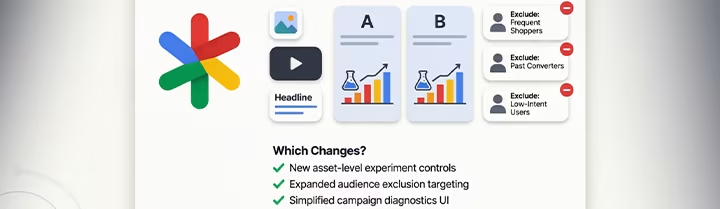 Performance Max in 2026: Asset Experiments, New Audience Exclusions, and What Actually Changed
-
 RSA Search Term Categories Dubai 2026: Cut Wasted PPC Spend in UAE
Want this done for your business? See my Search Engine Marketing services in Dubai.
Latest Posts
-
 How to Set Up TikTok Shop in the UAE: A Step-by-Step 2026 Seller Guide
-
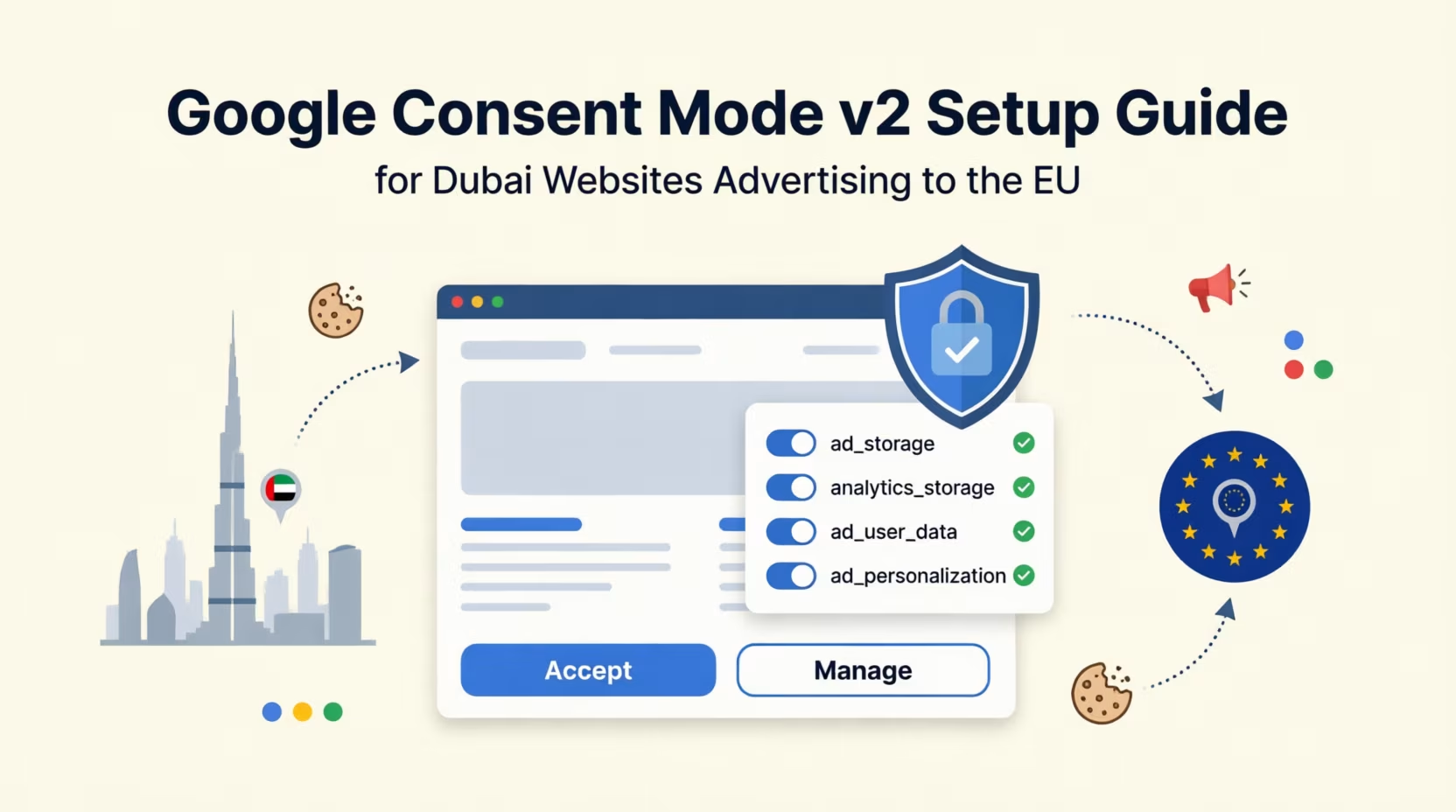 Google Consent Mode v2 Setup Guide for Dubai Websites Advertising to the EU
-
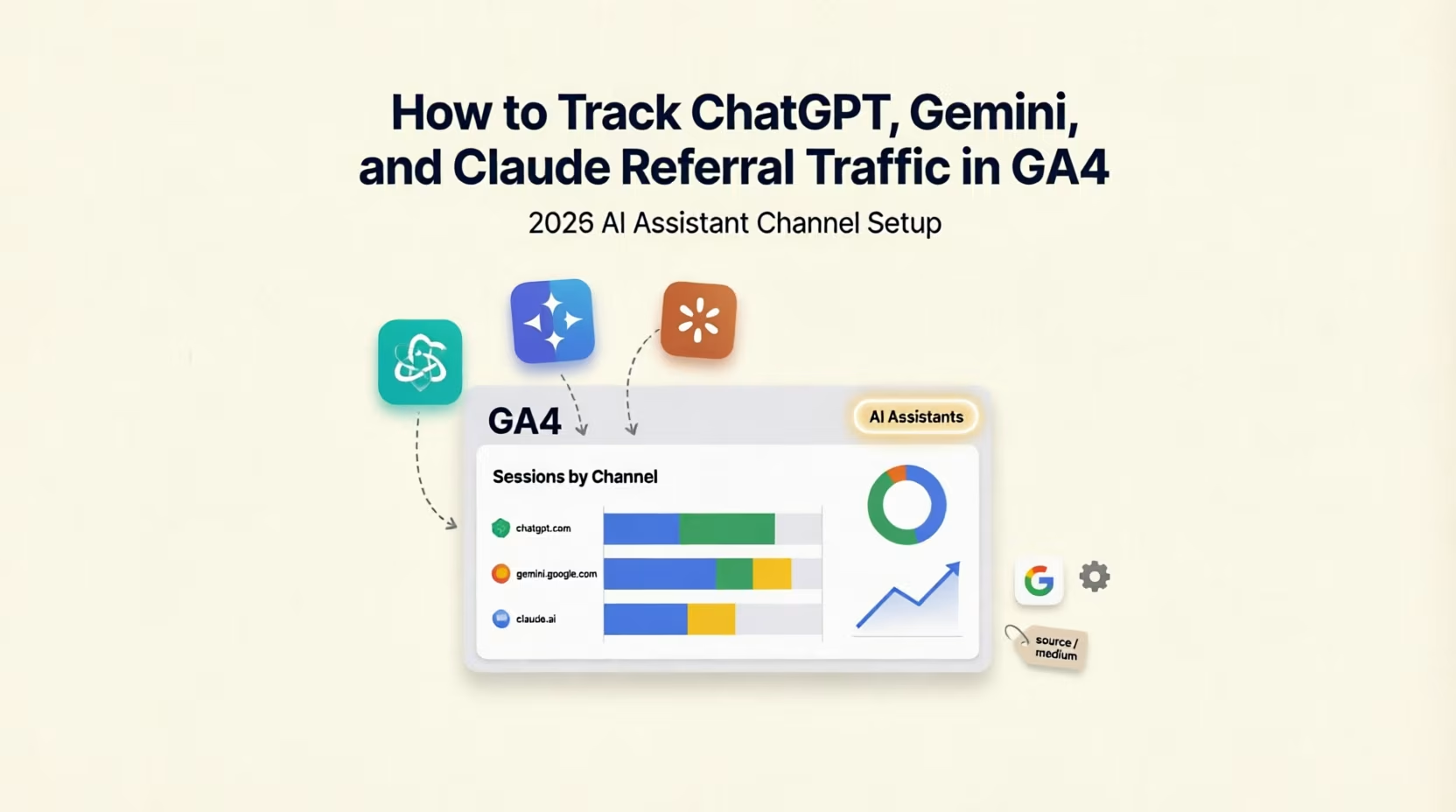 How to Track ChatGPT, Gemini, and Claude Referral Traffic in GA4 (2026 AI Assistant Channel Setup)
-
 Two Critical WordPress Vulnerabilities Patched in August 2026 — Update Your Dubai Site Now
-
 UAE PDPL Compliance for Marketers: What Your Tracking Pixels Actually Need in 2026
-
Performance Max in 2026: Asset Experiments, New Audience Exclusions, and What Actually Changed
-
 Should You Let an AI Agent Run Your Ad Campaigns? A Dubai Marketer's Honest Take
-
 AI Overviews vs AI Mode: What Changed in Google Search in 2026 (And What Dubai Businesses Should Do About It)
-
 Google Ads Is Removing Language Targeting From Search in September 2026 & What It Means for Your EN/AR Campaigns
-
 Google Says GEO Isn't a Separate Strategy From SEO— What That Actually Means for Dubai Businesses
Tags
Get a Growth Plan, Not Just a Quote
Seeking expert digital marketing, web design, or graphic design in the UAE? Let's discuss your project and deliver tailored solutions for measurable growth.
Book Free Consultation